Quick Start Guide
===================================
You'll be up and running on your desktop in about 10 minutes!
1. Install Docker Desktop.
-------------------------------
If you haven't already, download and install `Docker Desktop `__. This will also install Docker Compose.
2. Clone the Repository.
-------------------------------
Open your terminal (command prompt) and run the following commands:
.. code-block:: console
git clone https://github.com/smarter-sh/smarter-deploy.git
cd smarter-deploy
3. Prepare Your Environment File.
-----------------------------------
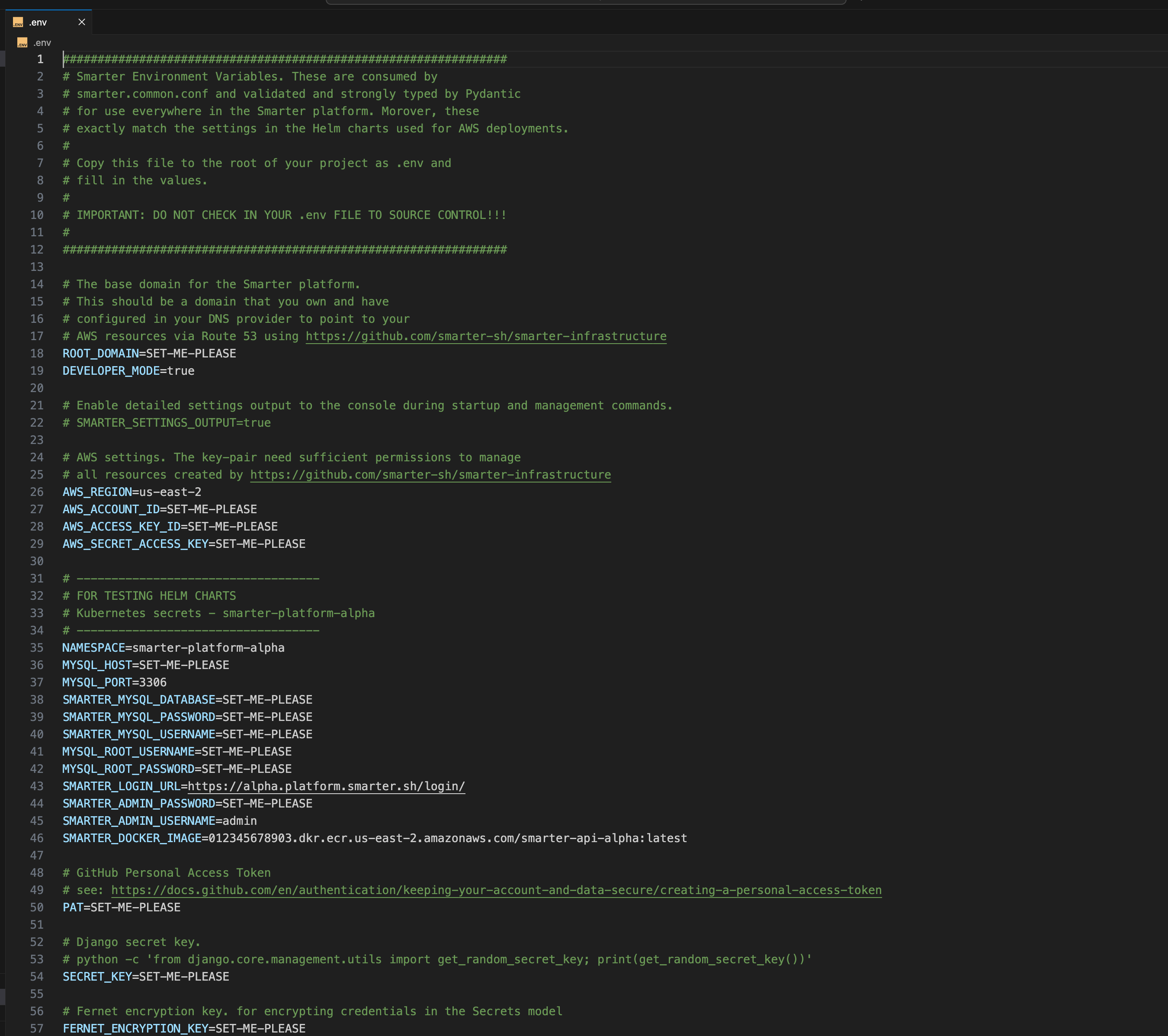
Smarter requires a .env file with your credentials and configuration. You can scaffold a template using the following command:
.. code-block:: console
make # creates a .env file in the root of the repo
.. important::
Open the newly created .env file and add your credentials (API keys, passwords, etc.) as needed. The application will not run without this step.
Note that `.env` contains copious inline documentation that you can refer to for specific configuration and technical guidance.
.. raw:: html
 4. Initialize the Application.
-------------------------------
This step pulls the Docker containers, and seeds the platform with test data:
.. code-block:: console
make init
5. Start the Application.
-------------------------------
Run the following command to start all Docker containers and launch the web server:
.. code-block:: console
make run
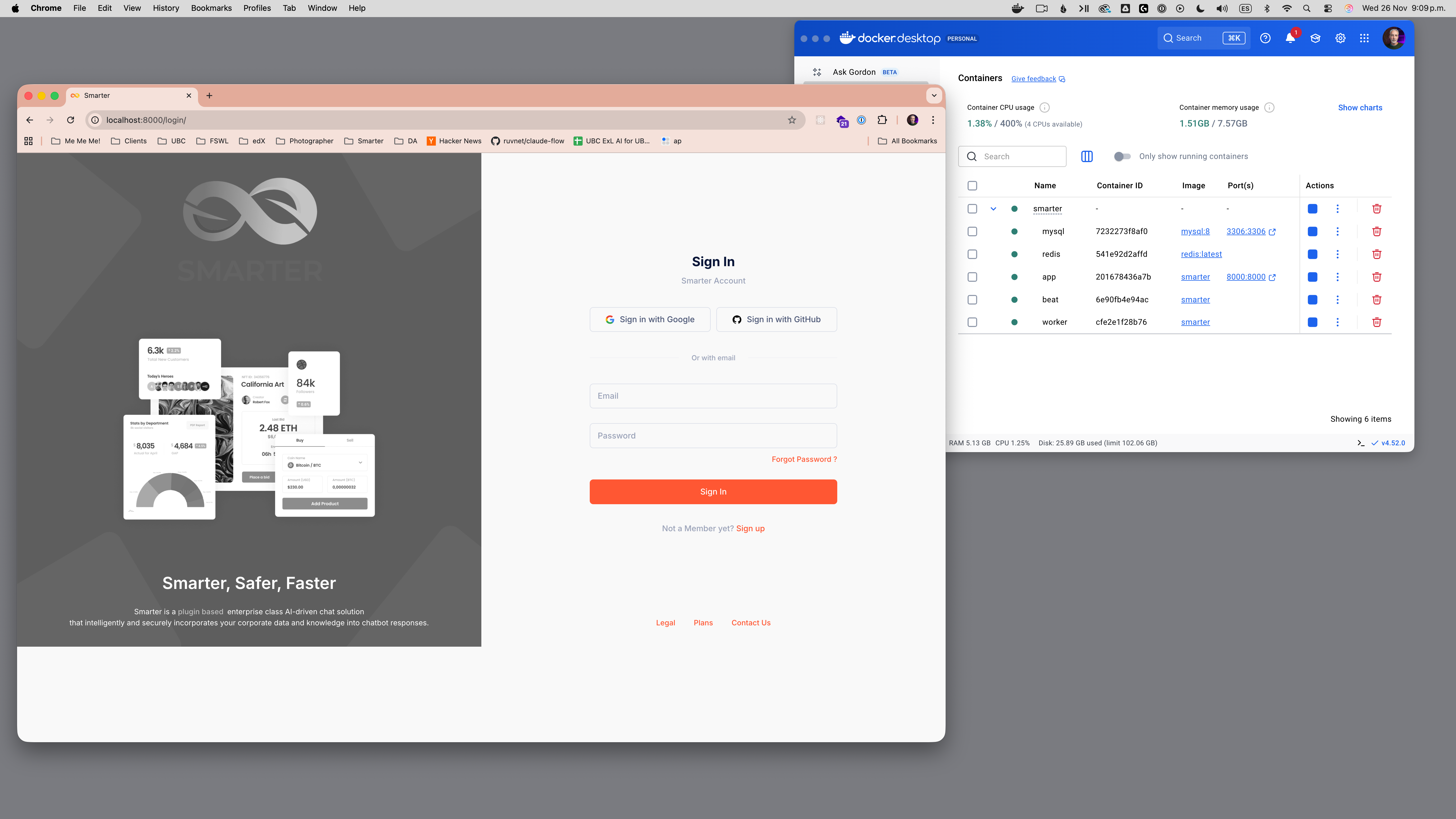
The web console will be available at: http://127.0.0.1:9357/ or http://localhost:9357
If you see a login screen, your deployment is working!
.. raw:: html
4. Initialize the Application.
-------------------------------
This step pulls the Docker containers, and seeds the platform with test data:
.. code-block:: console
make init
5. Start the Application.
-------------------------------
Run the following command to start all Docker containers and launch the web server:
.. code-block:: console
make run
The web console will be available at: http://127.0.0.1:9357/ or http://localhost:9357
If you see a login screen, your deployment is working!
.. raw:: html
 6. Log In.
-------------------------------
Go to http://localhost:9357/login/ and log in with:
Username: admin@smarter.sh
Password: smarter
.. attention::
For security reasons, be sure to change the default password after your first login.
7. Download the Smarter Command-Line Interface.
---------------------------------------------------
You'll need to download, install and configure the cli in order to manage AI resources. Get the cli here: `smarter.sh/cli `__.
6. Log In.
-------------------------------
Go to http://localhost:9357/login/ and log in with:
Username: admin@smarter.sh
Password: smarter
.. attention::
For security reasons, be sure to change the default password after your first login.
7. Download the Smarter Command-Line Interface.
---------------------------------------------------
You'll need to download, install and configure the cli in order to manage AI resources. Get the cli here: `smarter.sh/cli `__.