Smarter Web Console
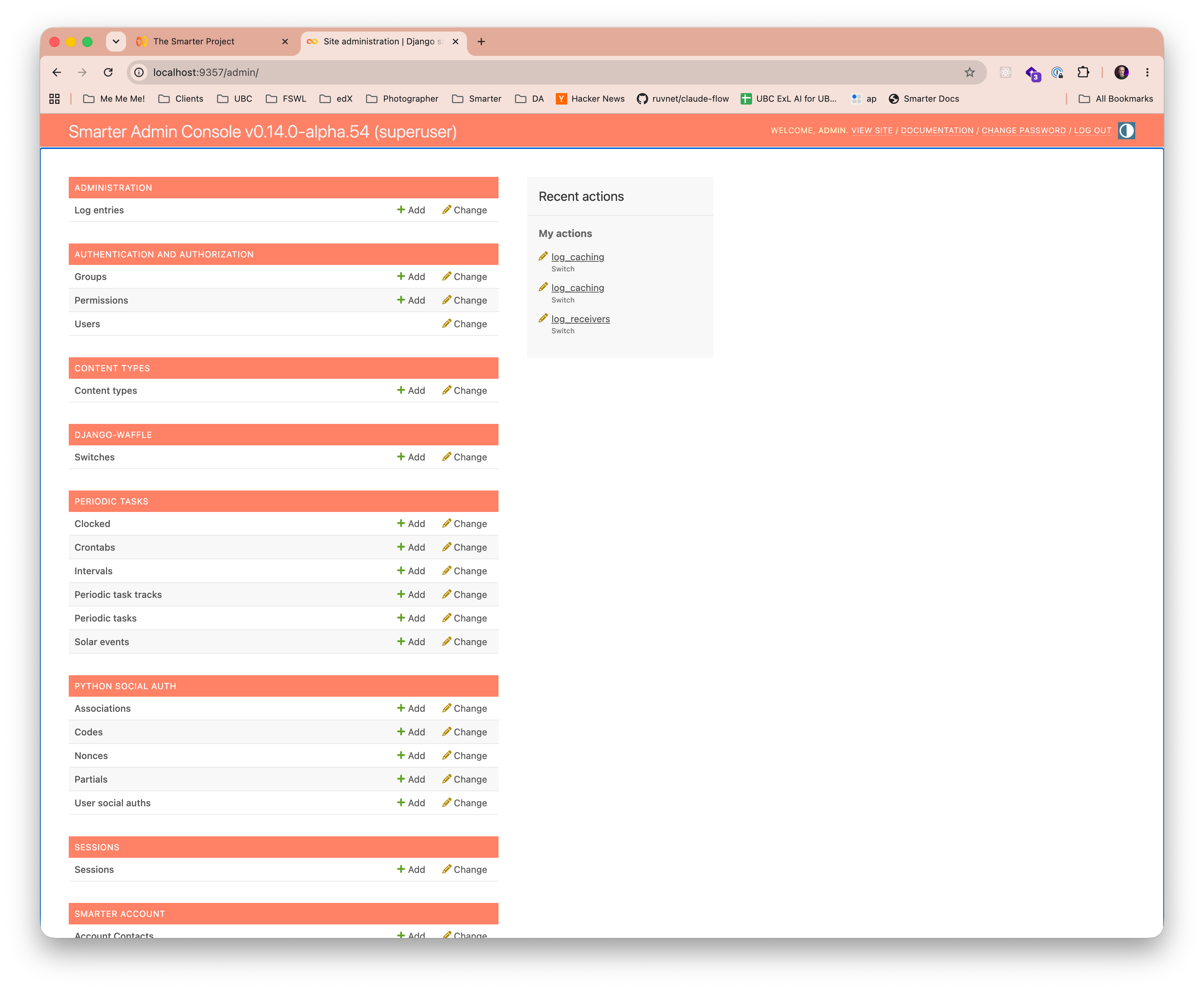
Smarter includes a full-featured web console designed for administrators as well as AI resource authors. All users also gain role-based access to the Django Admin Console.
AI Resource Authors
Authors can prototype, test, and manage AI resources such as prompts, llmclients, and plugins through the console’s intuitive interface. The dashboard provides a comprehensive view of all AI resources, including their relationships, dependencies and real-time state, enabling authors to efficiently create and manage any Smarter AI resource from React-based UI pages. The console additionally provides a Smarter manifest drop zone to facilitate an efficient authoring workflow.
Console Dashboard
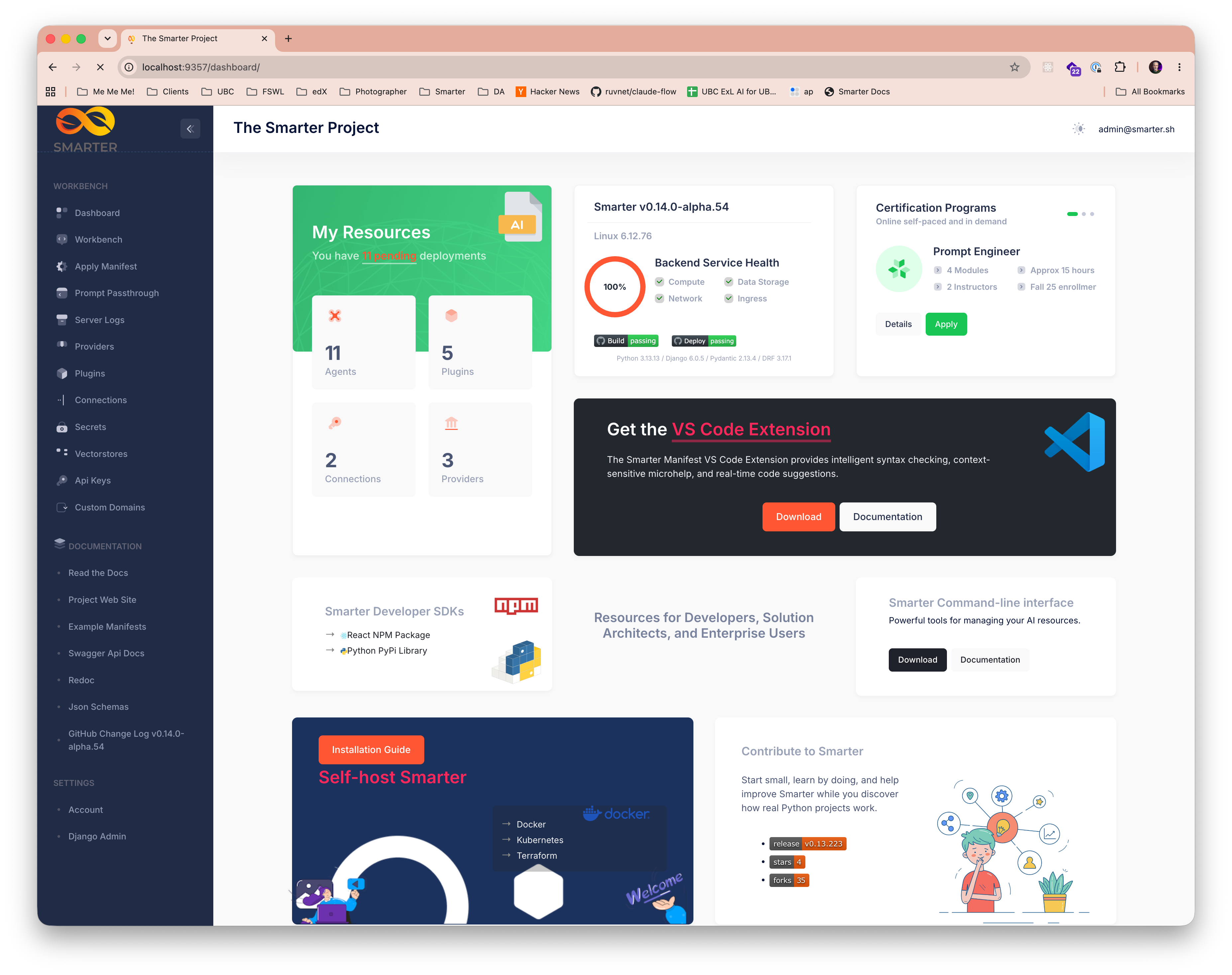
Provides a comprehensive overview of all AI resources, platform health, and recent activity. Service
health is checked live: the database, the cache, the Celery task broker and the Celery workers. Recent
activity lists your latest apply, deploy, undeploy and delete commands from the journal,
with failures highlighted. Budgets that are locked, or that have spent 80% or more of a limit, are
shown as alerts at the top of the dashboard, and new users see a getting started checklist until
they have created and deployed their first LLM Client. It also provides quick access to the complete
suite of The Smarter Project tools, resources, online tutorials, and documentation.
Languages
The console is shown in the language that you choose in the language menu of your user menu, which
it remembers in a cookie, or else in your browser’s preferred language, when it is available. The
console is available in English, which is the default, Spanish (in Latin American Spanish), French
and Brazilian Portuguese. A browser that prefers any variant of Spanish, such as es-MX or
es-AR, gets Spanish, and one that prefers any variant of Portuguese gets Brazilian Portuguese.
The languages that a platform offers are those of its LANGUAGES setting, and the menu is shown
when there is more than one. Your resources, and their manifests, aren’t translated.
See Translations for how the console is translated,
and how to add a language.
AI Resource Lists
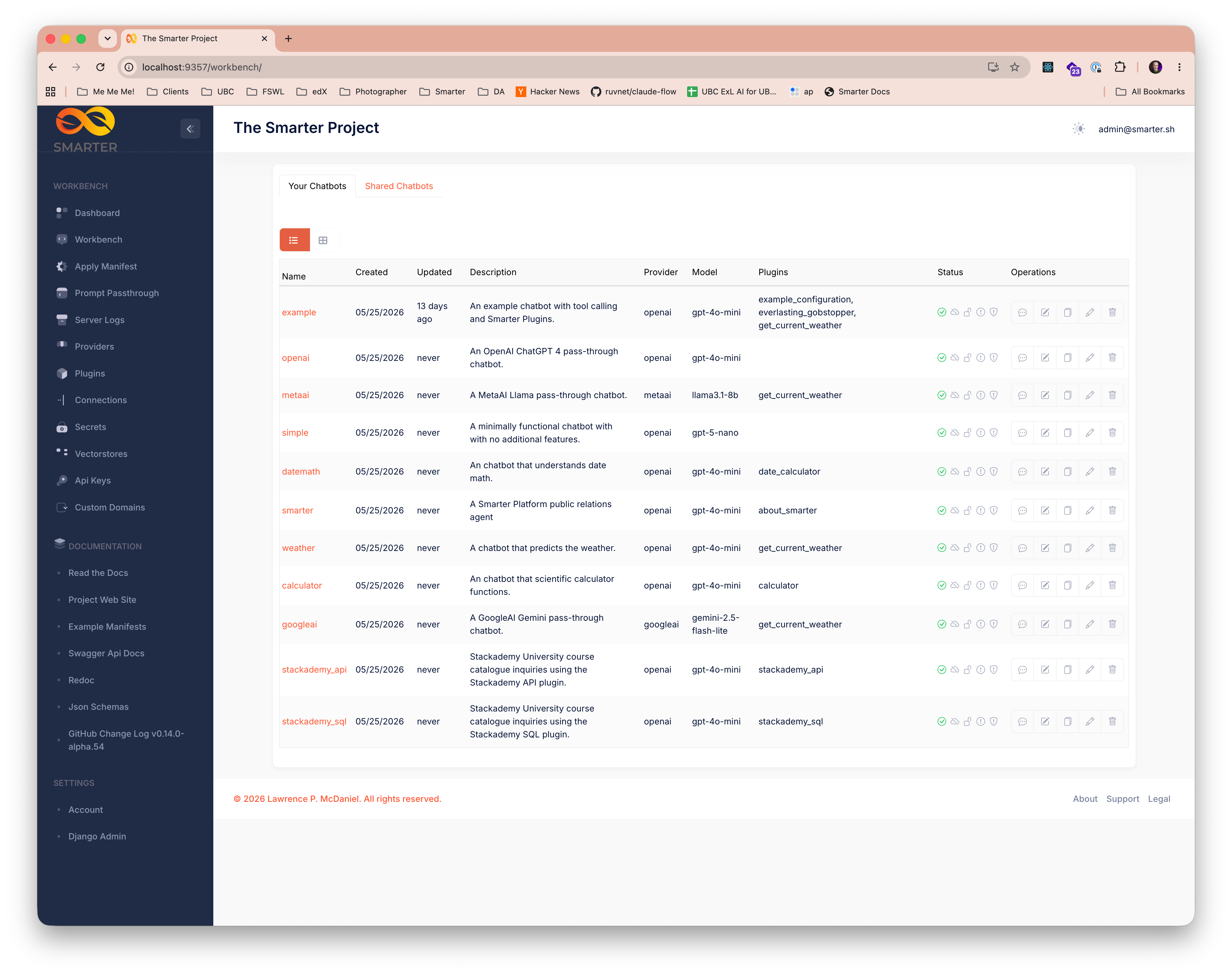
Every Smarter AI resource type has a dedicated list page that provides a comprehensive role-based view of all resources of that type, along with their real-time state. Create, view, edit, clone, and delete any resource directly from the console.
LLM Prompt Workbench
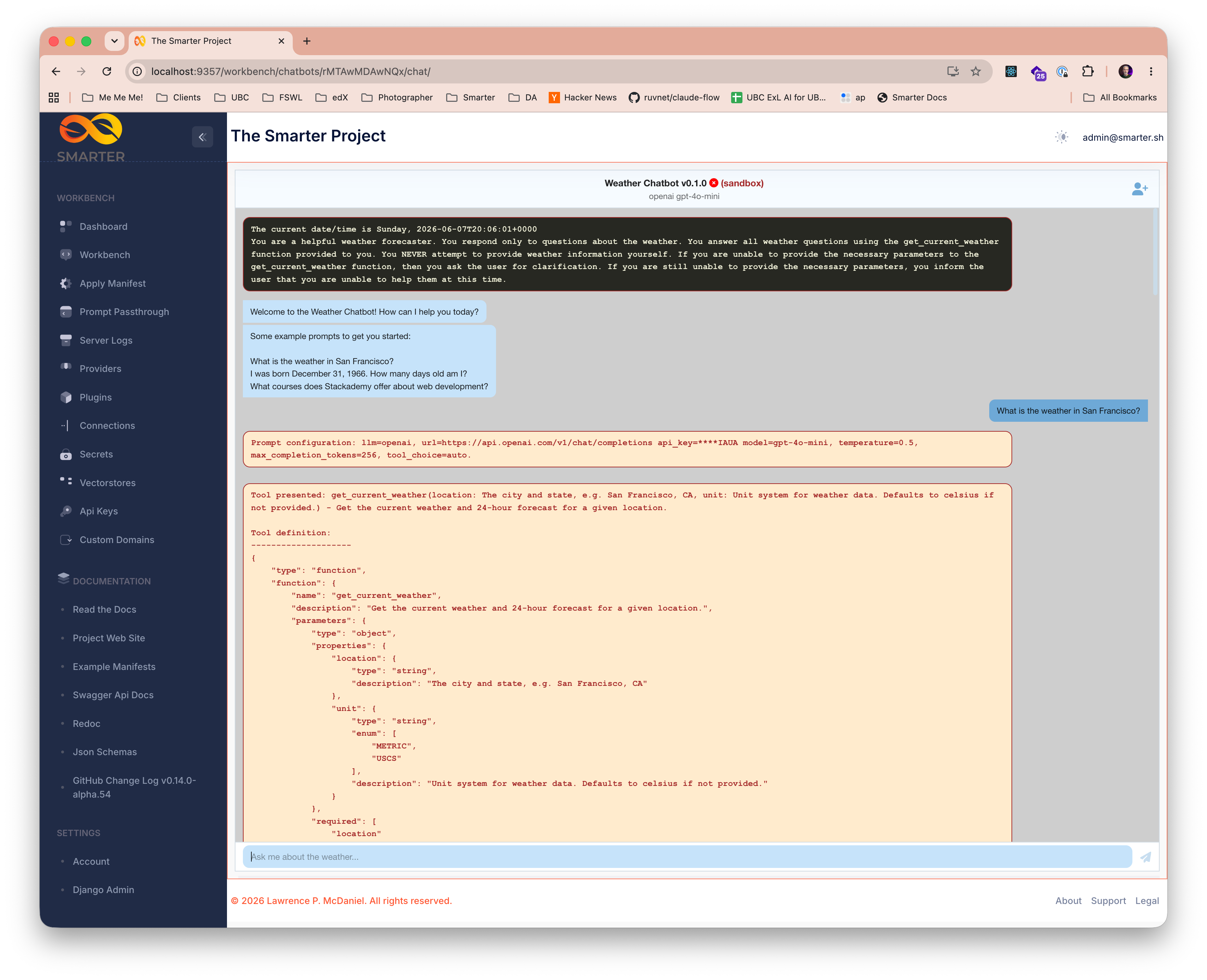
The web console includes a powerful prompt engineering workbench that gives authors a comprehensive view of all prompts, including interim steps on multi-pass prompts, token usage, and raw LLM responses.
Manifest Drop Zone
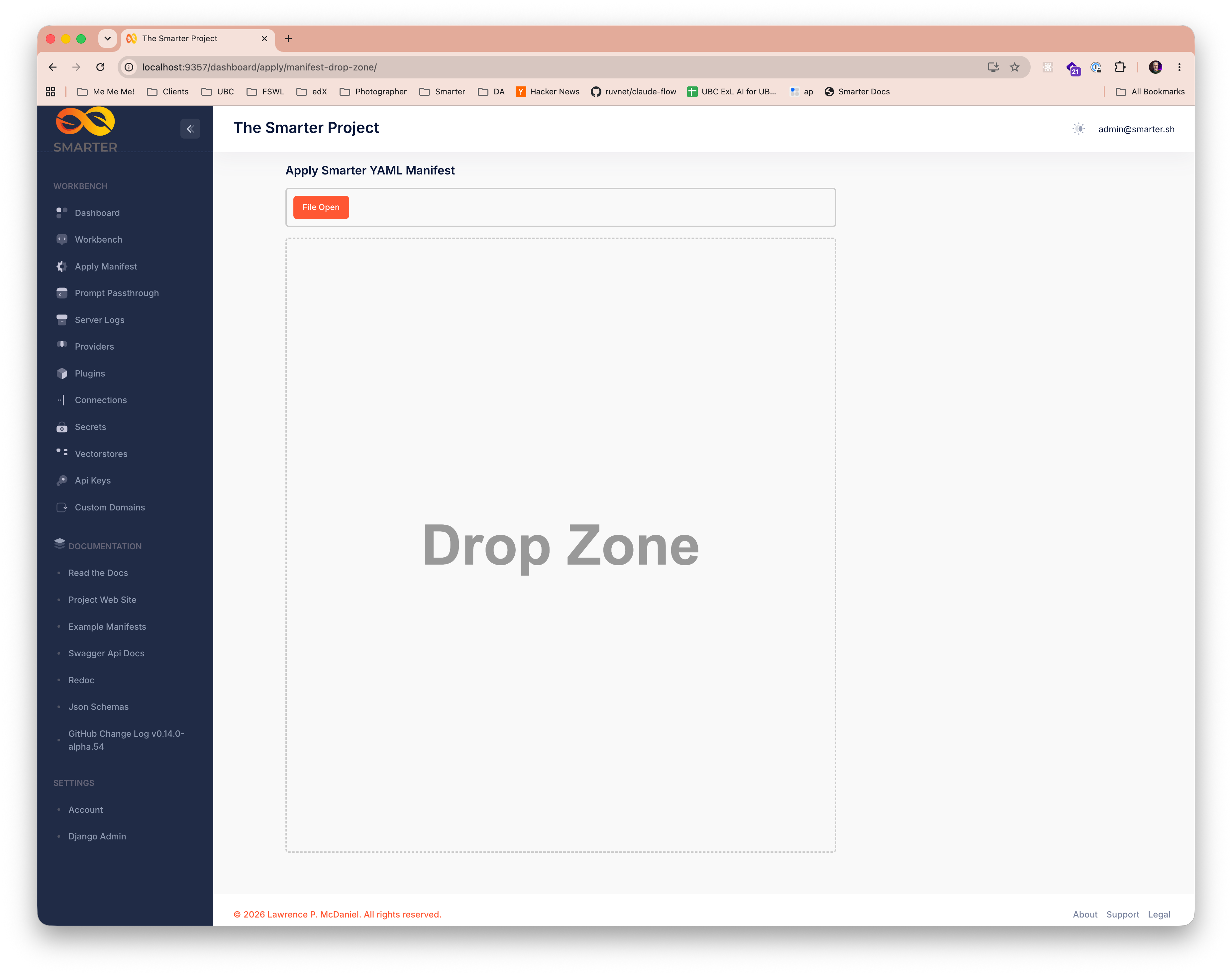
A drop zone on the console dashboard gives authors a streamlined workflow for uploading Smarter manifests, and providing immediate feedback on manifest validation results, including detailed error messages to facilitate rapid development iteration.
LLM Provider API Passthrough Tool
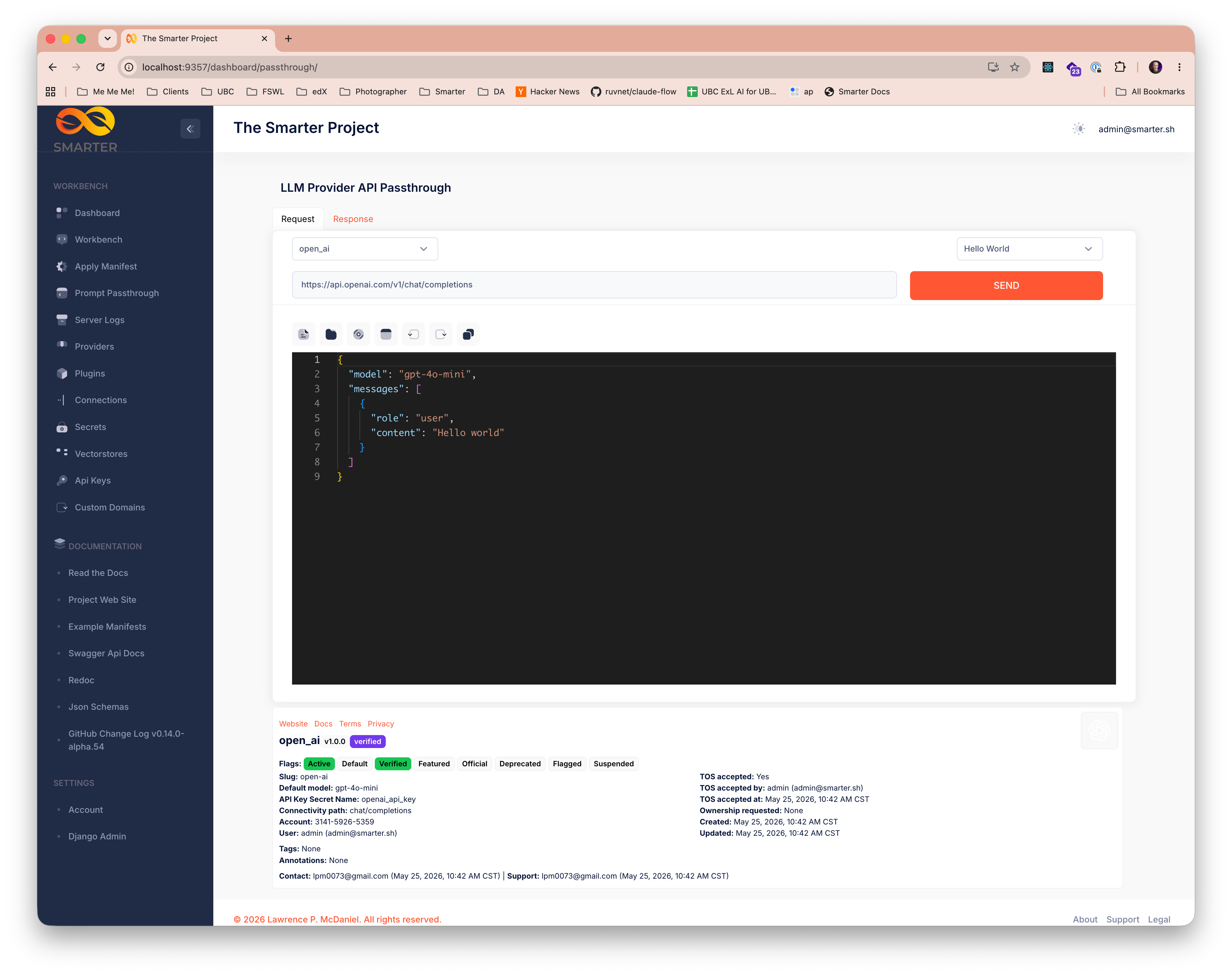
Authors can use the console’s LLM Provider API Passthrough Tool to send raw requests directly to any configured LLM provider API, with full control over request parameters and immediate visibility into raw responses. This tool is ideal for early-stage prototyping, debugging complex multi-pass prompts, and for evaluating new LLM providers.
Live Server Logs
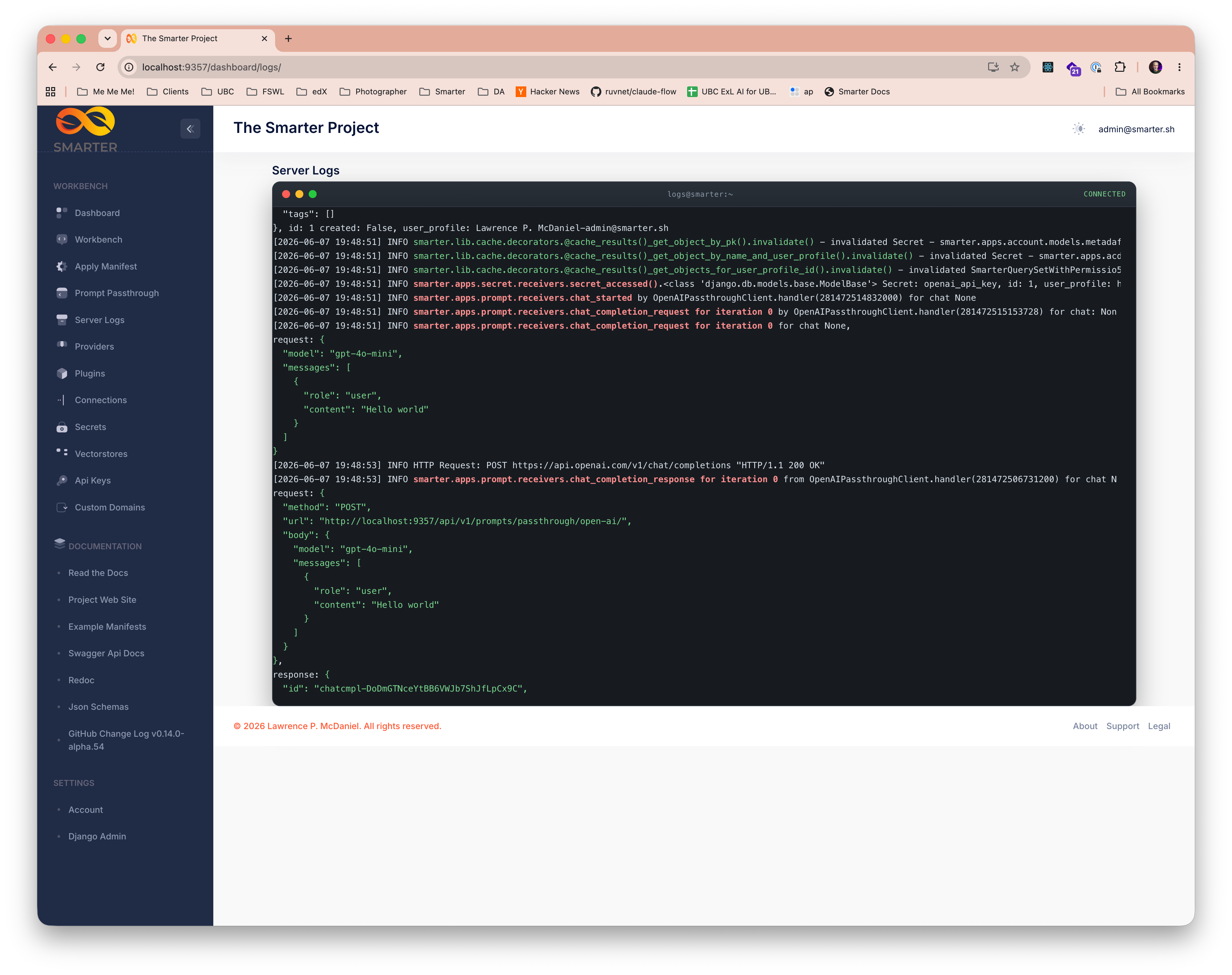
Authors have direct visibility into the live Linux application server logs of each prompt, with
filtering, to quickly identify relevant log entries. The Passthrough Tool’s Server Logs tab, to
the right of its Request and Response tabs, streams the logs of the request that it sent last, and
only that request’s logs: each request has its own id, in its X-Smarter-RequestId header, and
the platform tags every log record of the request with it. Smarter Chat’s Console has a Server Logs
tab too, with the user’s logs of the chat. This feature is invaluable for debugging complex
multi-pass prompts, monitoring real-time system behavior, and gaining insights into platform
performance.
The two log viewers look and work the same. Long lines scroll horizontally, or wrap. The viewer
follows new records while it is scrolled to the bottom. Click the lines, then use the keyboard,
as in k9s or less:
Keys |
Action |
|---|---|
Ctrl+↑, Cmd+↑, Home, g |
Top |
Ctrl+↓, Cmd+↓, End, G |
Bottom, and follow new records |
↑ ↓, k j |
Up or down a line |
PgUp PgDn, Shift+Space Space, b f |
Up or down a page |
← →, h l |
Scroll left or right |
Ctrl+← Ctrl+→, 0 $ |
Start of the lines, or end of the longest line |
w |
Wrap long lines, or scroll them |
s |
Follow new records, or stop |
/ |
Filter the lines |
c |
Copy the lines |
F |
Full screen, or not |
? |
Show the shortcuts |
Esc |
Leave full screen, hide the shortcuts, or clear the filter |
Browsers keep Ctrl+W and Cmd+W to close the tab, so wrap is w, as in k9s. On macOS, Mission Control keeps Ctrl+↑ and Ctrl+↓: use Cmd+↑ and Cmd+↓.
The server logs are viewable while SMARTER_ENABLE_DASHBOARD_SERVER_LOGS is set and the
enable_web_console_server_logs waffle switch is active.
Complete REST API Reference
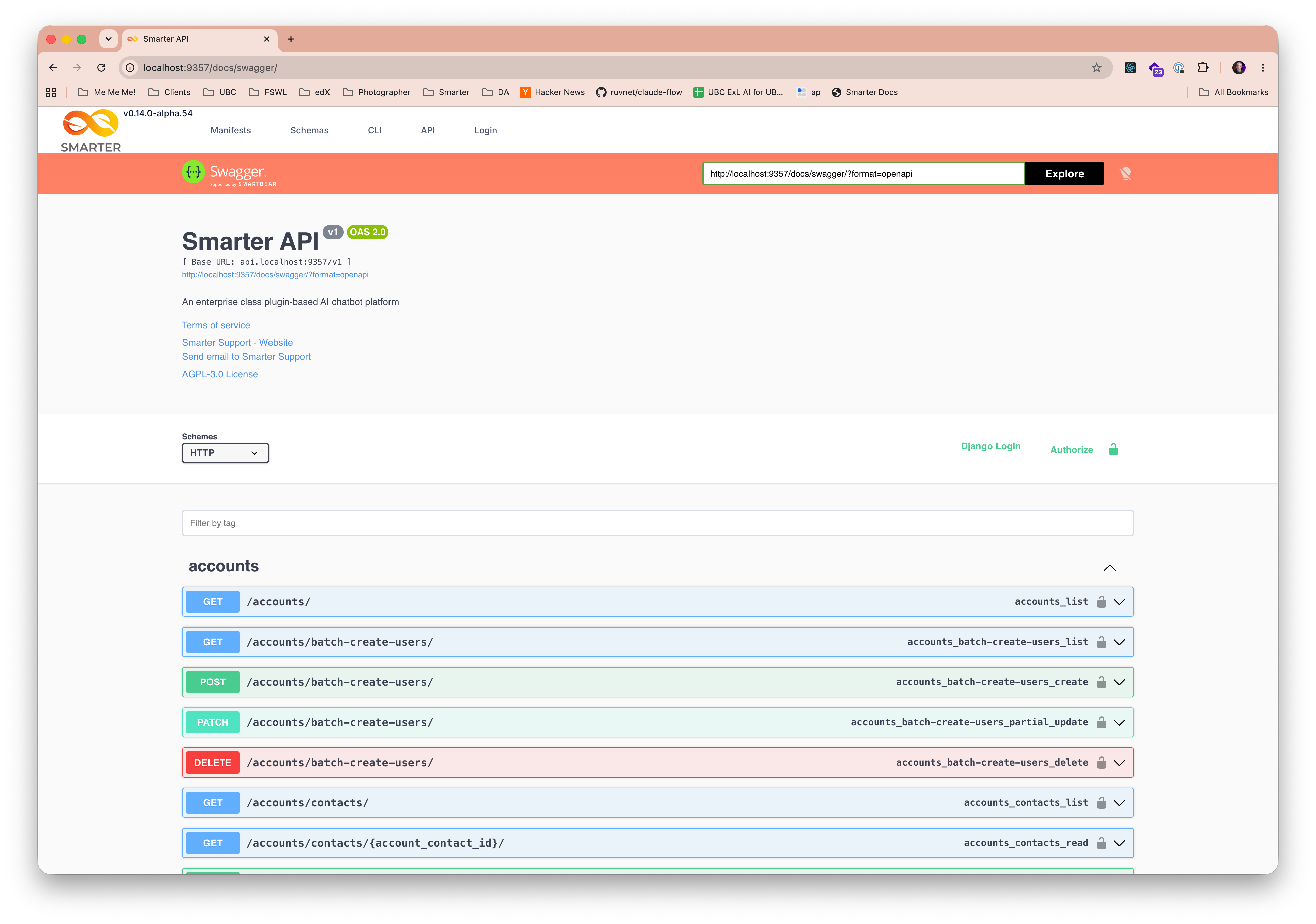
The official Smarter REST API reference is available directly from the console as Swagger/OpenAPI documentation, providing comprehensive documentation of all API endpoints, request and response schemas, and example usage. This resource is invaluable for developers building custom integrations and extensibility resources that require direct API interaction.
Administrators
Django Admin Console
Terminal
The Terminal page, in the Workbench section of the sidebar, opens a bash shell inside the
platform’s own server container, in an xterm.js terminal window, so that an instructor can show
a class the running platform from the inside: its files, its processes, its environment, and
commands such as python manage.py shell and curl. It is a real terminal, on a pseudo
terminal, so job control, Ctrl+C, tab completion and full screen programs such as vim,
less and top work as they do anywhere else.
The shell runs inside the server process that accepted the connection, which is one of the platform’s replicas, chosen by the load balancer. Two windows may open on two different pods. The terminal says so when it starts, along with the pod’s host name, and it warns that the session can end suddenly:
when the server restarts, or is redeployed or scaled down,
when the connection drops, or the page is reloaded or closed,
after 30 minutes without input, and after 8 hours in any case.
When a session ends, its shell, and everything that it started, is stopped, so the terminal is a poor place for long-running processes. Files that it writes are in the container’s file system, and disappear when the container is replaced. Press Enter to start a new session.
What the terminal showed is kept, though, in the browser tab: when the page is reloaded, or left
and opened again in the same tab, it redraws the screen and its scrollback, up to 5,000 lines, says
that the shell that drew them has ended, and starts a new session below. A full screen program’s
screen, e.g. vim’s, is not kept. The screen is kept in the tab’s sessionStorage, which the
browser clears when the tab is closed, because it can show credentials, e.g. the output of env.
The shell runs as the server’s operating system user, with the server’s environment, and so with
every credential that the server has: the database’s, the cloud provider’s, and the LLM providers’
api keys. For that reason the Terminal is off unless SMARTER_ENABLE_WEB_CONSOLE_TERMINAL is
set to true, and even then only superusers see it, or can open it. The page asks the server
for a single use ticket, which is valid for a minute, and opens its WebSocket, /ws/terminal/,
with it, so that another site’s page cannot open a terminal with a superuser’s session cookie.
Each session’s start and end are logged, with its user, pod and shell, but what is typed is not,
since it can include passwords. See
Terminal Emulator React Component for how it
is built.