Django Admin
Smarter’s Django admin console, at /admin/ on your Smarter instance (e.g.,
https://platform.example.com/admin/), is a tool for the platform’s operators
and for each account’s administrators. Everyone else manages their resources in
the web console, or with manifests. The admin
console is customized: see
smarter.apps.dashboard.admin
for its permission classes.
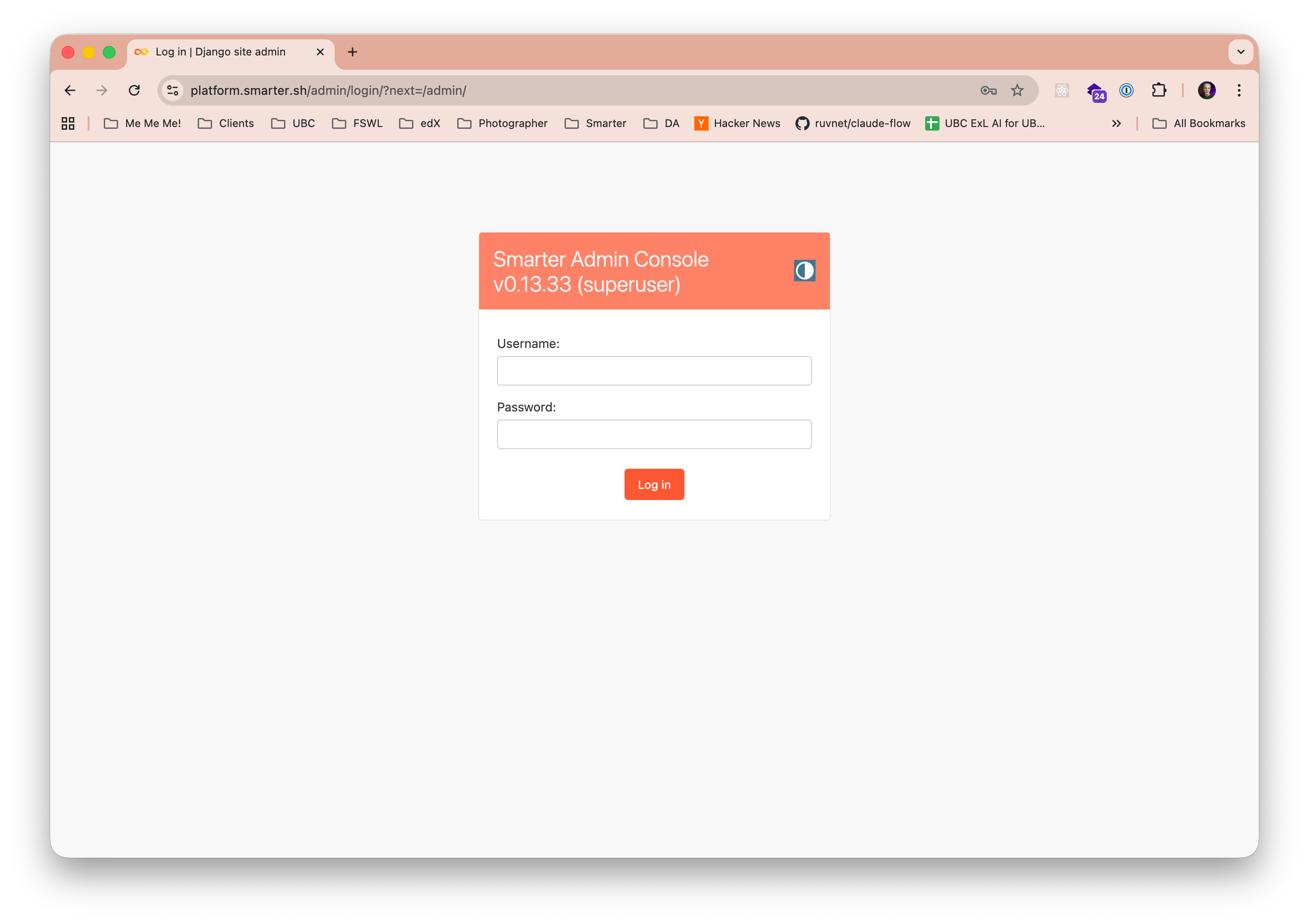
You’ll need an admin user account to log into the Django admin interface. If you don’t have one yet, you can create one by running the following command from your Smarter installation directory:
python manage.py createsuperuser
Who sees what
Django lets only active staff users (User.is_staff) sign in to the admin
console. The console’s header names the role of the user who is signed in.
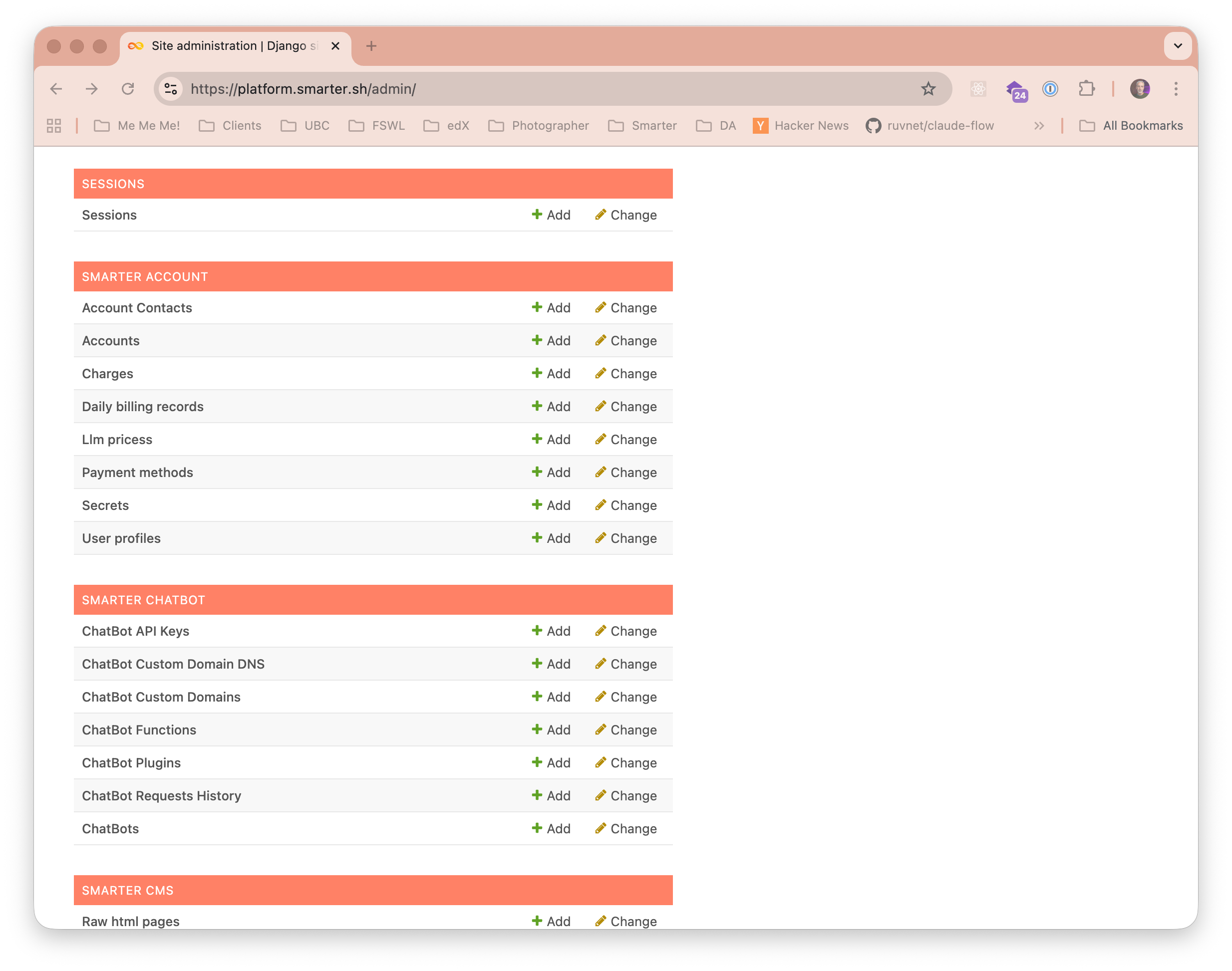
A superuser sees every row of every model, and may add, change and delete them.
A staff user is an administrator of each account they belong to. They see the rows of their own accounts: its resources, such as LLMClients, Plugins, Guardrails, Secrets and Custom Domains, and their requests, events and Smarter Journal entries, its users, and the account itself. They may change and delete the resources they have ownership permission for, and add none: resources are created with manifests. A list’s Delete selected action is for superusers only.
Rows that belong to no account, such as the landing page’s email contacts, annotations, charges, budgets, the infrastructure ledger and the admin’s own log, are for superusers only.
Deleting a resource
A SAM resource, any row that has a manifest, is deleted in the admin as
smarter delete deletes it, by its manifest broker. While other resources
depend on it, e.g. an LLMClient that uses a Guardrail, the delete page lists them
as protected objects, and refuses the delete. Delete them, or remove their
references to it, first. A delete that the page allows is done by the broker,
which invalidates the resource’s caches and journals the delete in the
Smarter Journal. If the broker refuses, the admin shows
the list again with the reason.
Some tables record something outside the database, and are read-only, because a change to a row would not change what it records:
LLMClient Custom Domain DNS rows record the DNS records of a Custom Domain’s hosted zone, which the platform writes when it registers the domain.
Infrastructure resources are the ledger of the platform’s cloud resources (see Operating Smarter at Scale).
Exporting manifests
Every list of SAM resources has the action Export the selected resources as
manifests. One selected resource downloads as its YAML manifest, as
smarter describe returns it to its owner. Several download as a zip file, with
each manifest at <account number>/<kind>/<name>.yaml, as Download My Data
writes them. A Secret’s value is redacted: set it again before you apply the
manifest. Apply a manifest with smarter apply -f <file>, e.g. to copy a
resource to another account or platform.
Audit logs
The admin console keeps two logs:
Log entries, Django’s own log of the changes made in the admin: who added, changed or deleted which row, when, and what changed. It is read-only, for superusers.
The Smarter Journal, of every request to Smarter’s api, including the deletes that the admin makes with a broker. Staff see the entries of their own accounts’ users.
Lists that grow with use, such as the Smarter Journal, Guardrail events, LLMHost events, prompt history and charges, can be browsed by date.