Smarter Web Dashboard
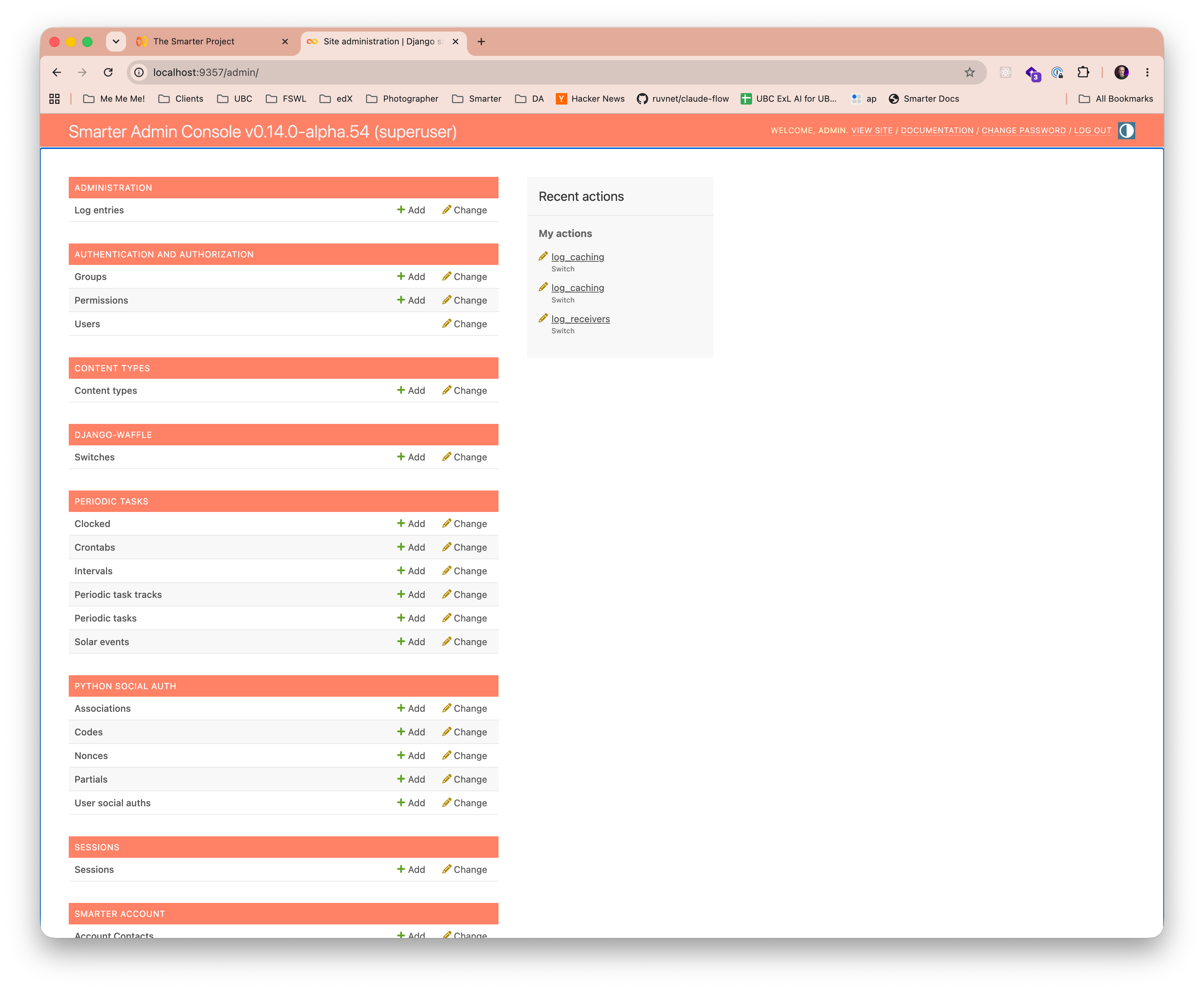
Smarter includes a full-featured web console designed for administrators as well as AI resource authors. All users also gain role-based access to the Django Admin Console.
AI Resource Authors
Authors can prototype, test, and manage AI resources such as prompts, chatbots, and plugins through the console’s intuitive interface. The dashboard provides a comprehensive view of all AI resources, including their relationships, dependencies and real-time state, enabling authors to efficiently create and manage any Smarter AI resource from React-based UI pages. The console additionally provides a Smarter manifest drop zone to facilitate an efficient authoring workflow.
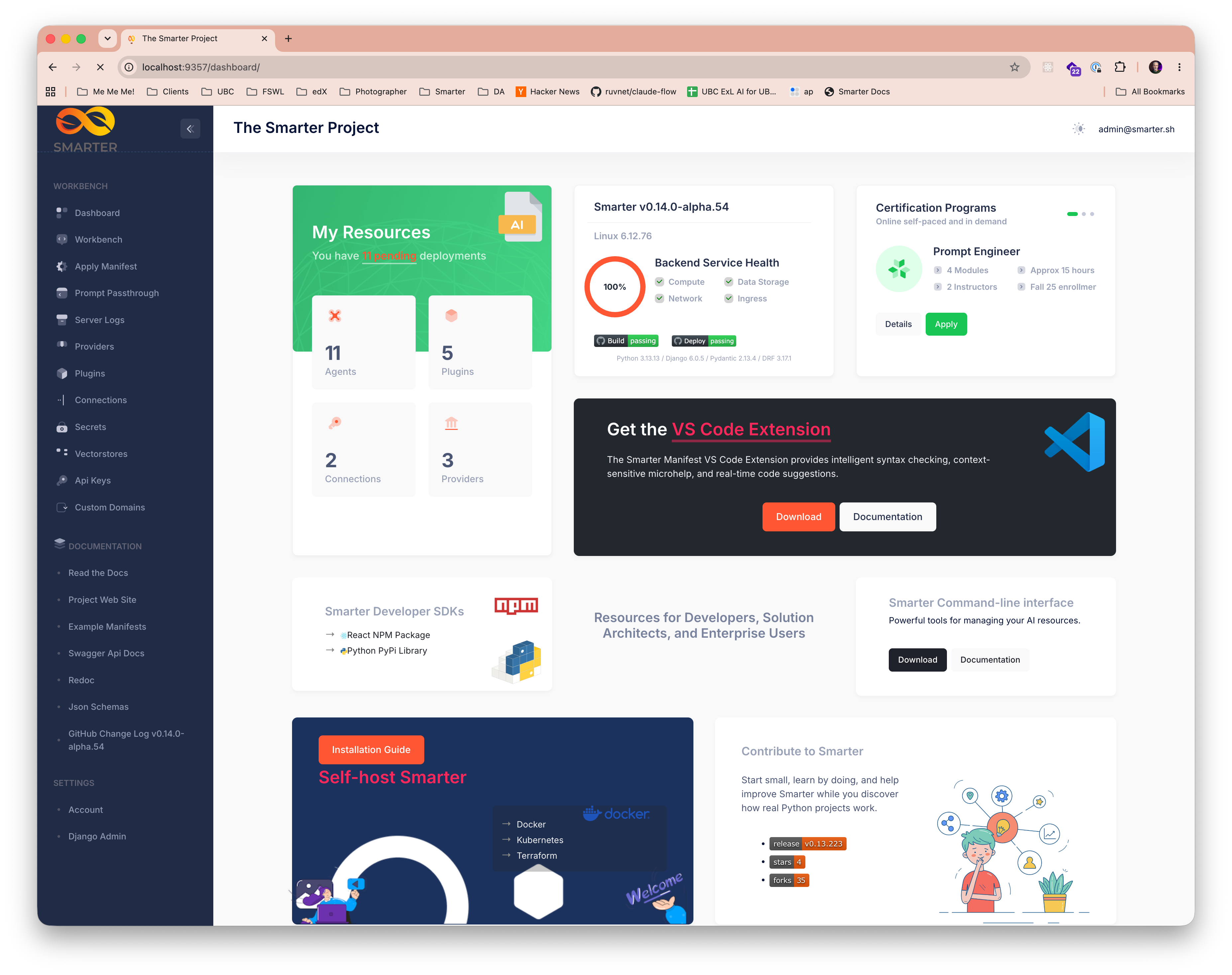
Console Dashboard
Provides a comprehensive overview of all AI resources, platform health, and recent activity. It also provides quick access to the complete suite of The Smarter Project tools, resources, online tutorials, and documentation.
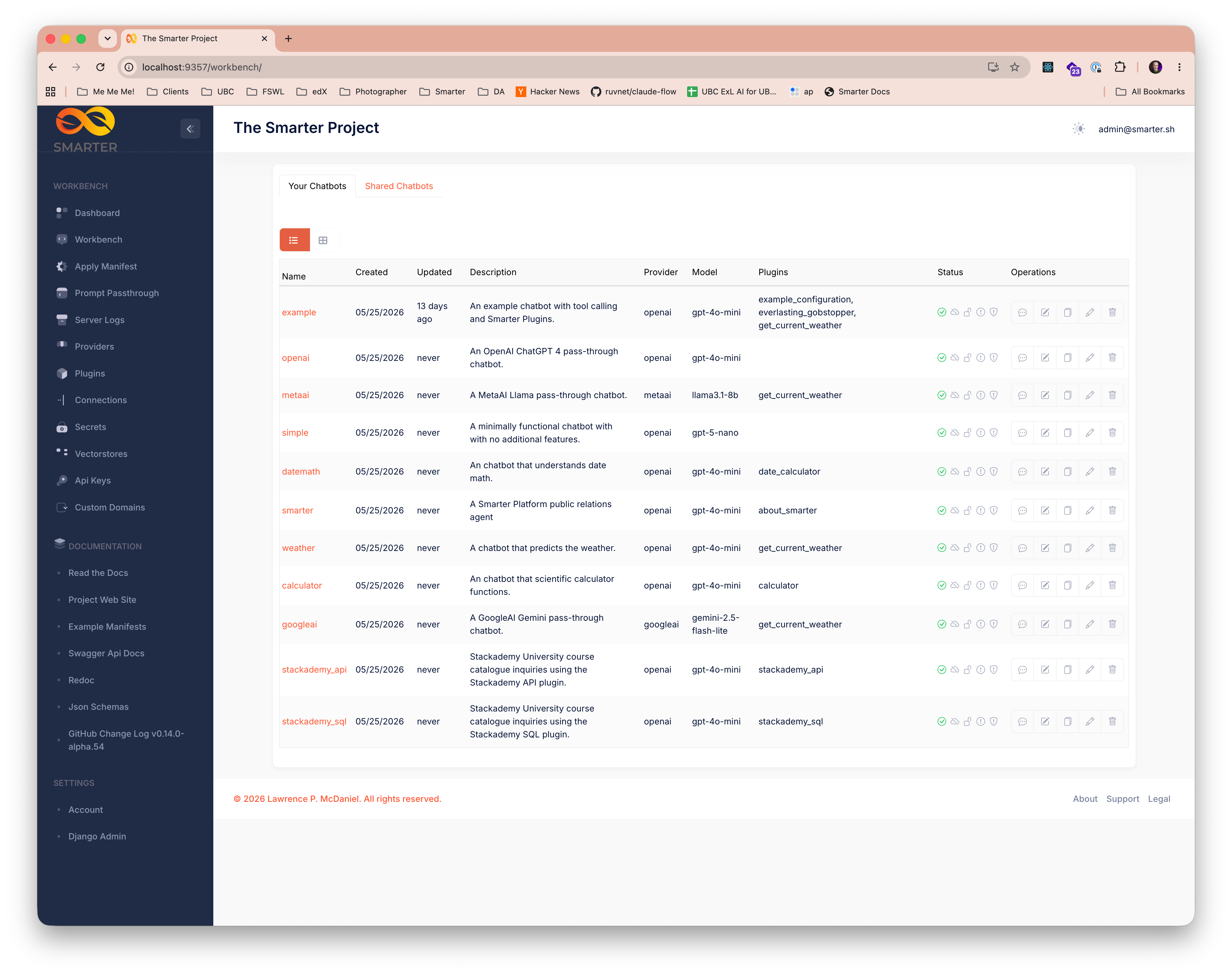
AI Resource Lists
Every Smarter AI resource type has a dedicated list page that provides a comprehensive role-based view of all resources of that type, along with their real-time state. Create, view, edit, clone, and delete any resource directly from the console.
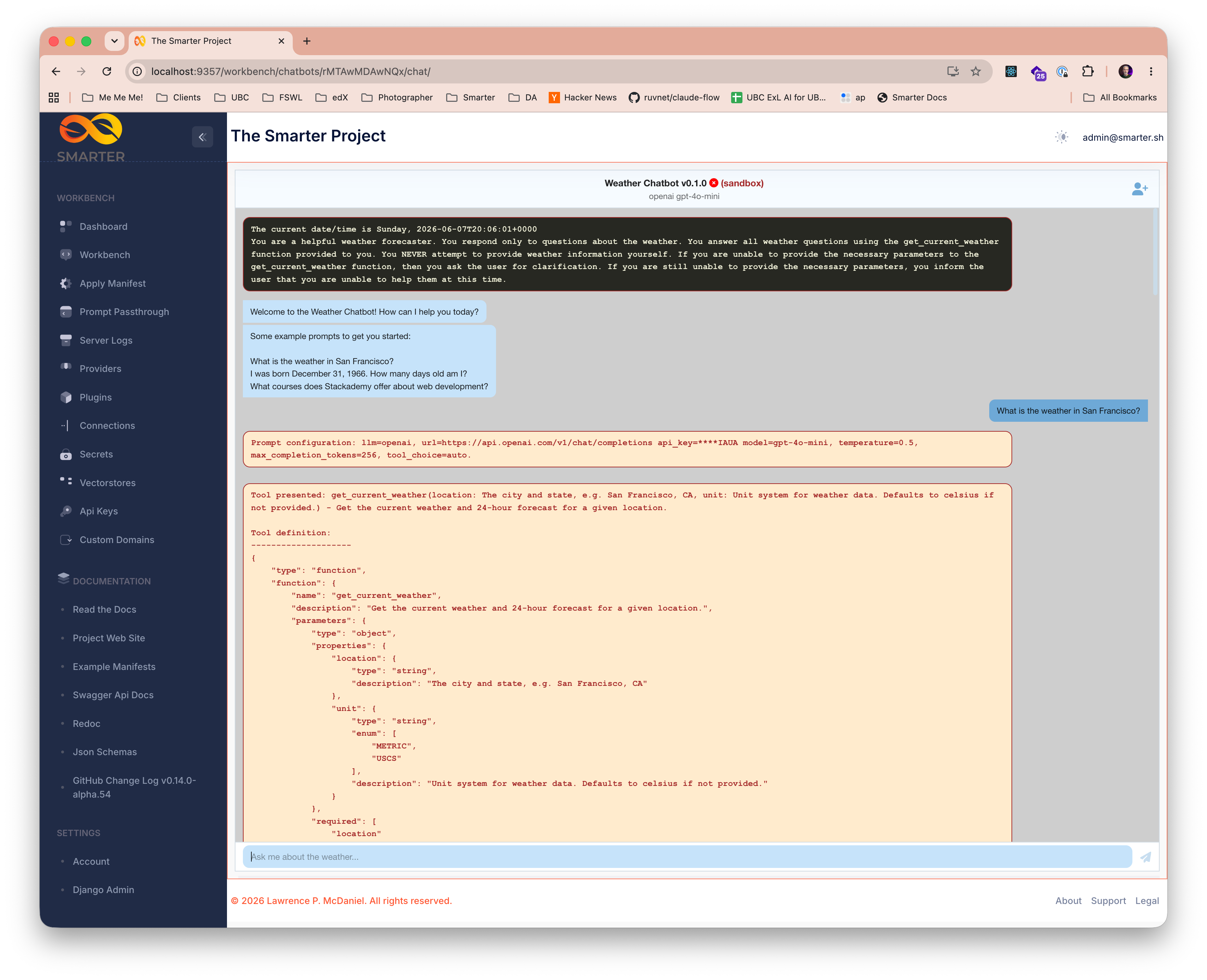
LLM Prompt Workbench
The web console includes a powerful prompt engineering workbench that gives authors a comprehensive view of all prompts, including interim steps on multi-pass prompts, token usage, and raw LLM responses.
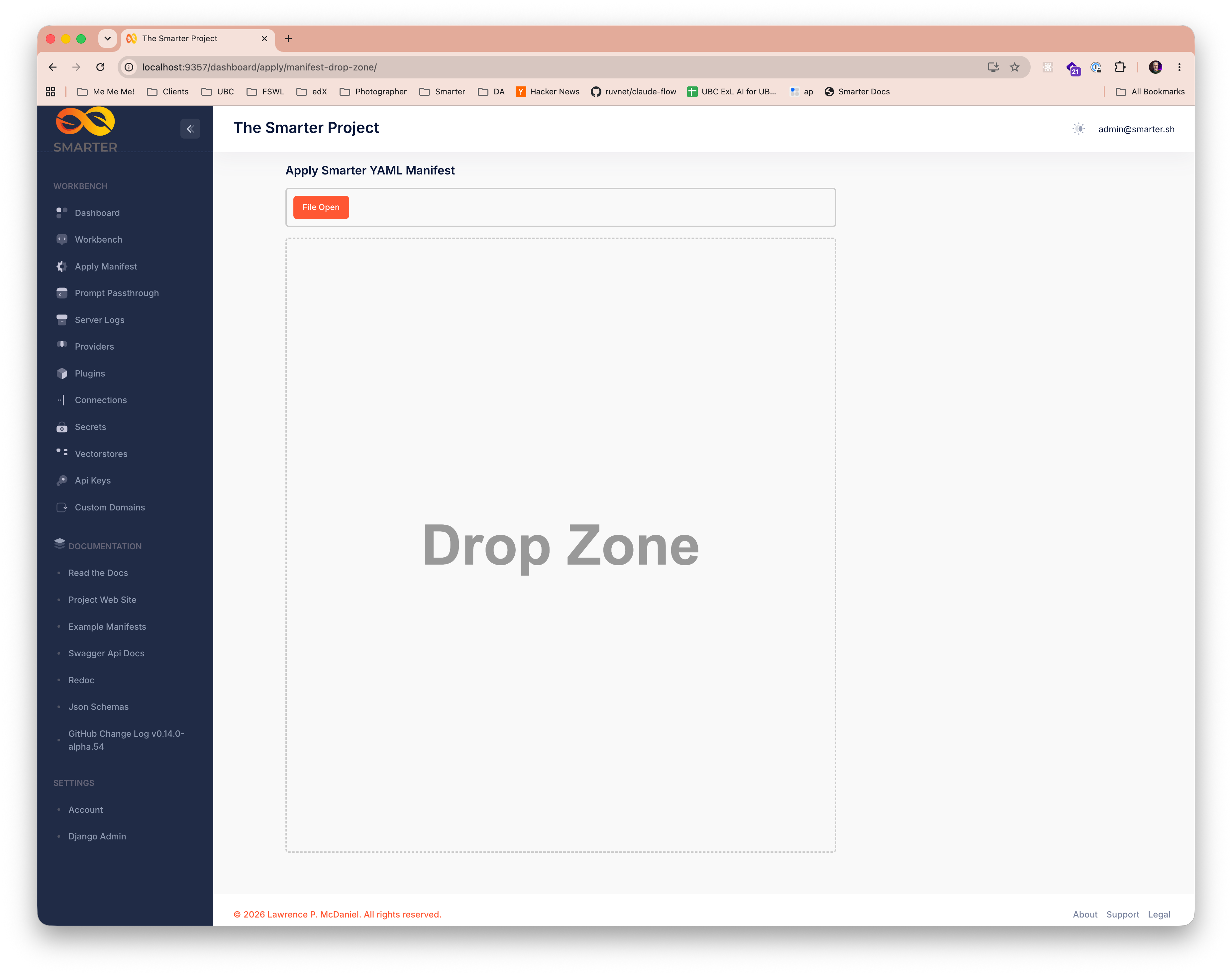
Manifest Drop Zone
A drop zone on the console dashboard gives authors a streamlined workflow for uploading Smarter manifests, and providing immediate feedback on manifest validation results, including detailed error messages to facilitate rapid development iteration.
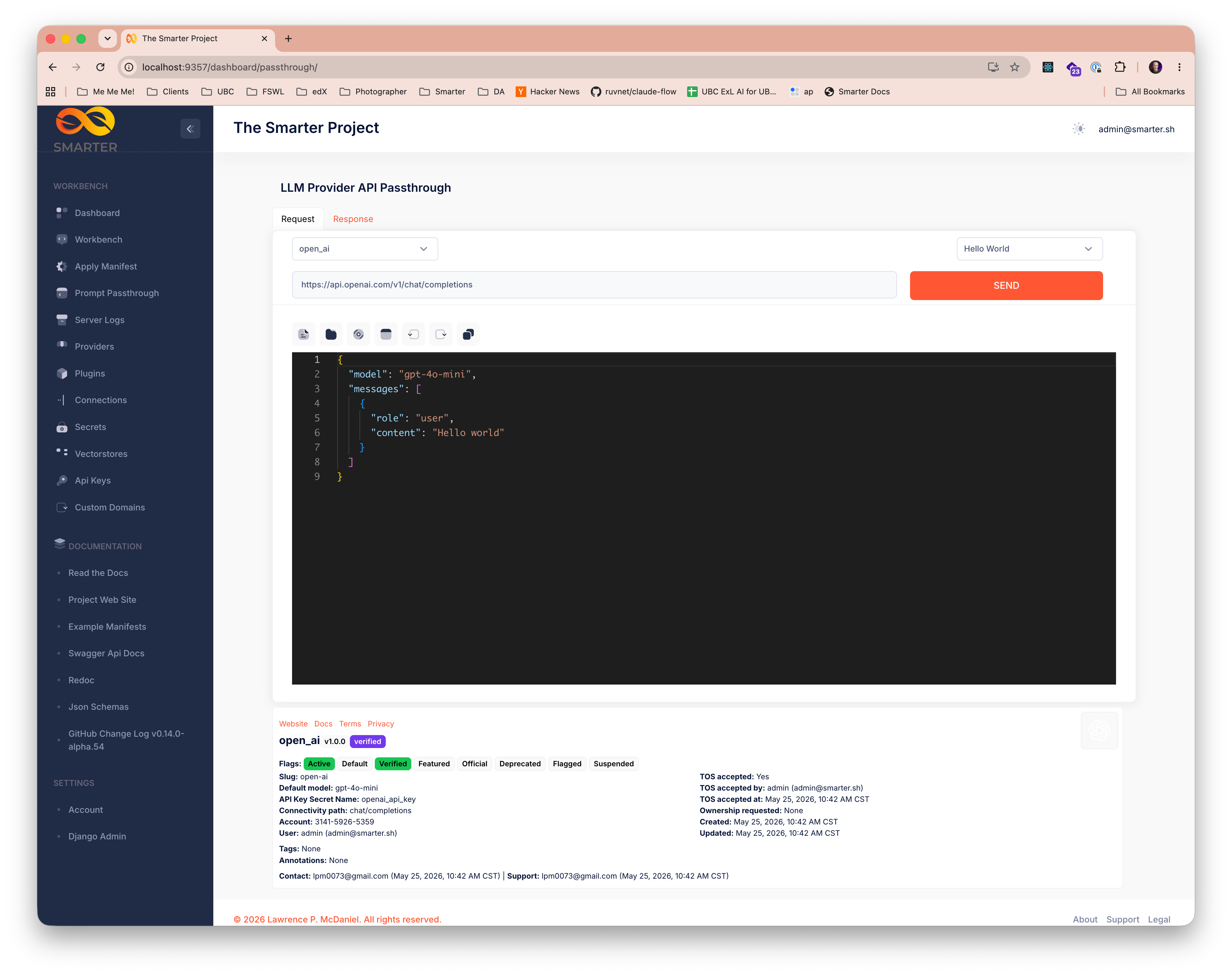
LLM Provider API Passthrough Tool
Authors can use the console’s LLM Provider API Passthrough Tool to send raw requests directly to any configured LLM provider API, with full control over request parameters and immediate visibility into raw responses. This tool is ideal for early-stage prototyping, debugging complex multi-pass prompts, and for evaluating new LLM providers.
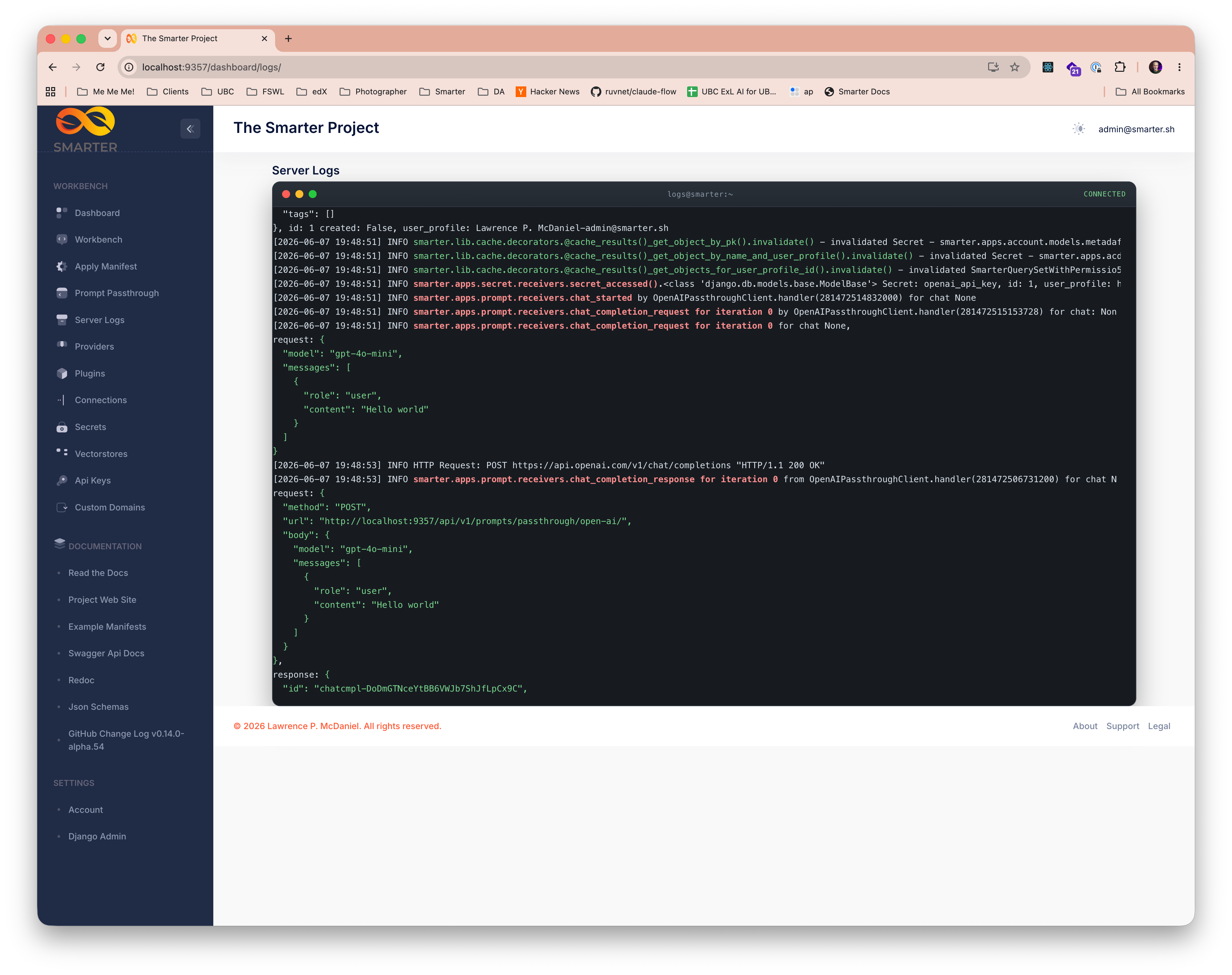
Live Server Logs
Authors have direct visibility into live Linux application server logs from the console, with powerful filtering and search capabilities to quickly identify relevant log entries. This feature is invaluable for debugging complex multi-pass prompts, monitoring real-time system behavior, and gaining insights into platform performance.
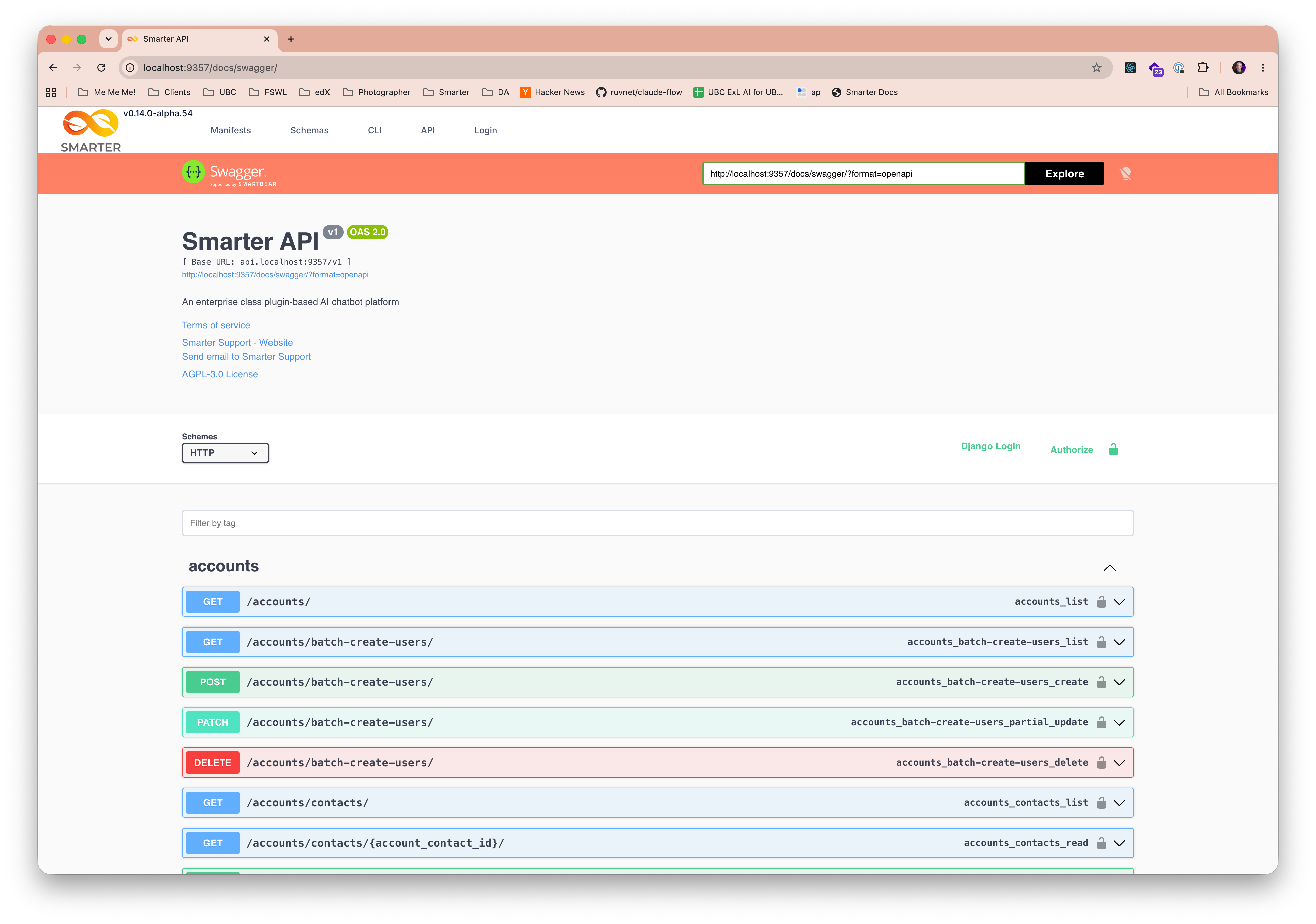
Complete REST API Reference
The official Smarter REST API reference is available directly from the console as Swagger/OpenAPI documentation, providing comprehensive documentation of all API endpoints, request and response schemas, and example usage. This resource is invaluable for developers building custom integrations and extensibility resources that require direct API interaction.
Administrators
Django Admin Console
Dashboard Technical Reference