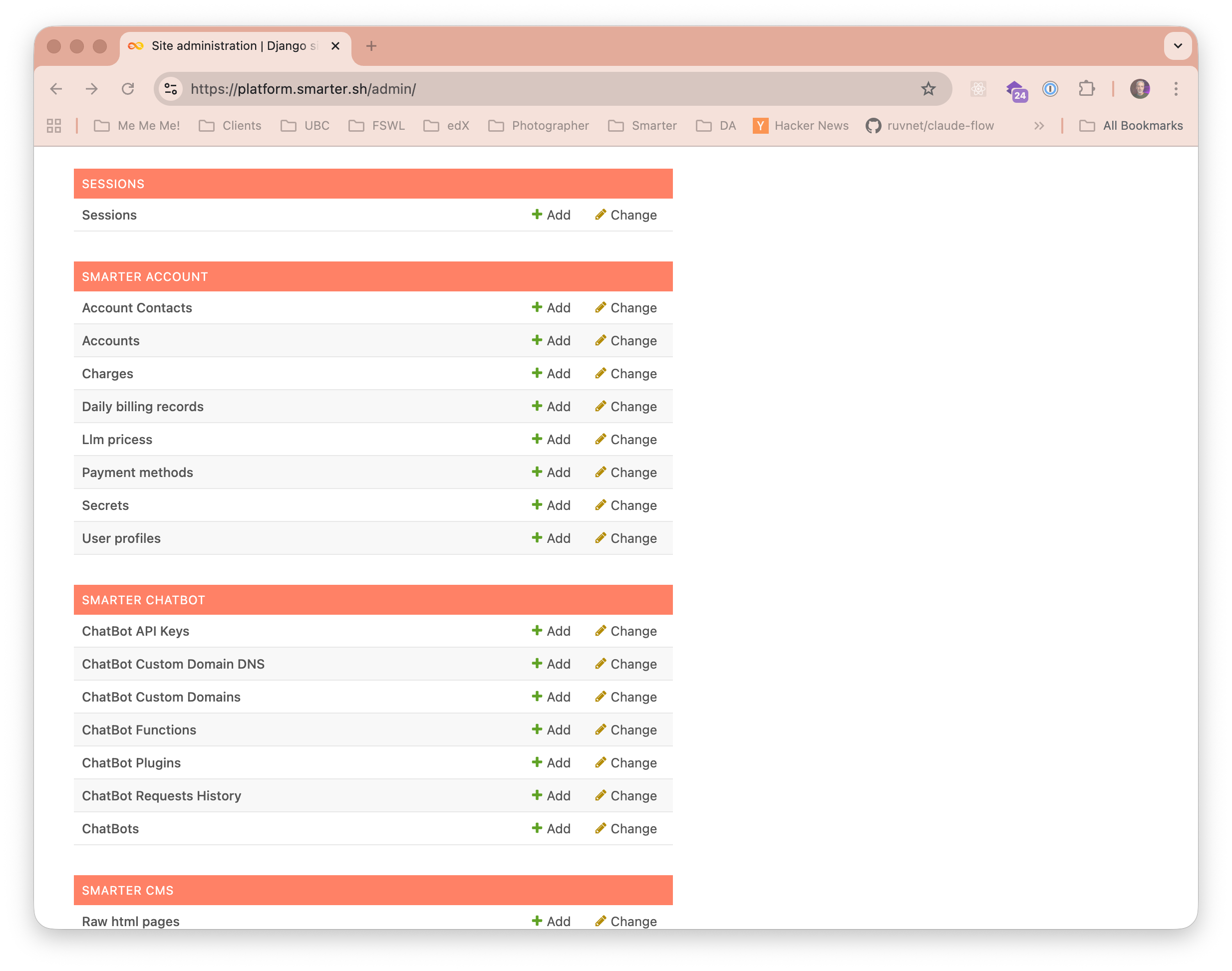
Django Admin
Smarter’s admin console is customized. See smarter/apps/dashboard/admin.py for further details on Models that are intentionally removed from default Django admin console.
You’ll need an admin user account to log into the Django admin interface. If you don’t have one yet, you can create one by running the following command from your Smarter installation directory:
python manage.py createsuperuser
Once you have an admin user account, you can log into the Django admin interface by navigating to /admin/ on your Smarter instance (e.g., https://platform.example.com/admin/).
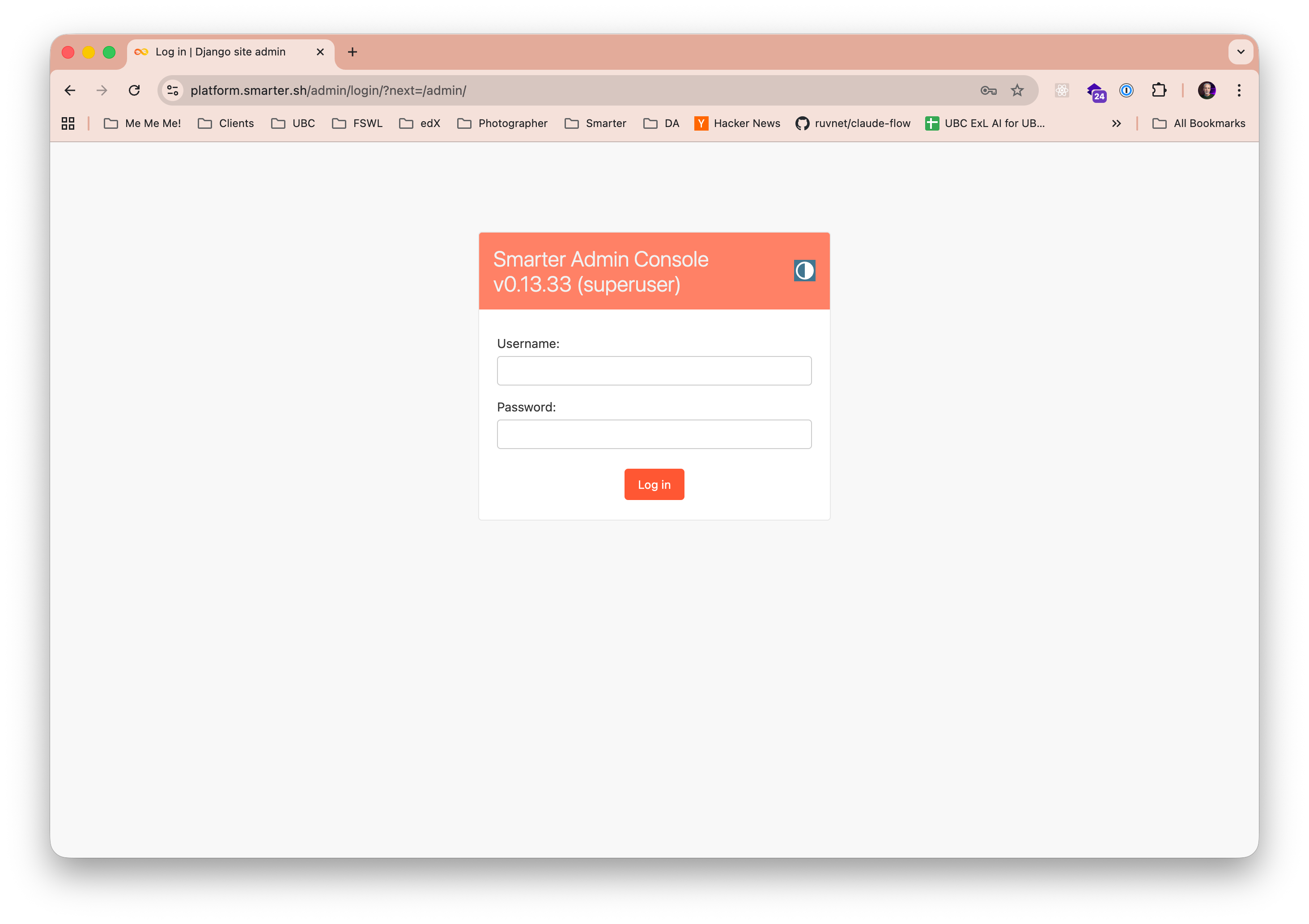
After logging in, you’ll have access to the Django admin interface, where you can manage CRUD operations for all Django models registered with the admin site.