Smarter React UI
The Smarter project maintains a React-based drop-in chat component that can be integrated into any html web page. see https://www.npmjs.com/package/@smarter.sh/ui-chat for details. This component is designed to provide seamless integration to the Smarter backend services, enabling real-time chat functionality with minimal setup and maximum configuration options.
The Smarter Chat Component provides a secure, highly customizable chat interface that you can embed into existing web applications or websites like Wordpress/Wix/Squarespace marketing sites, salesforce portals, Hubspot, Shopify storefronts, Microsoft Sharepoint sites, or your own custom web applications.
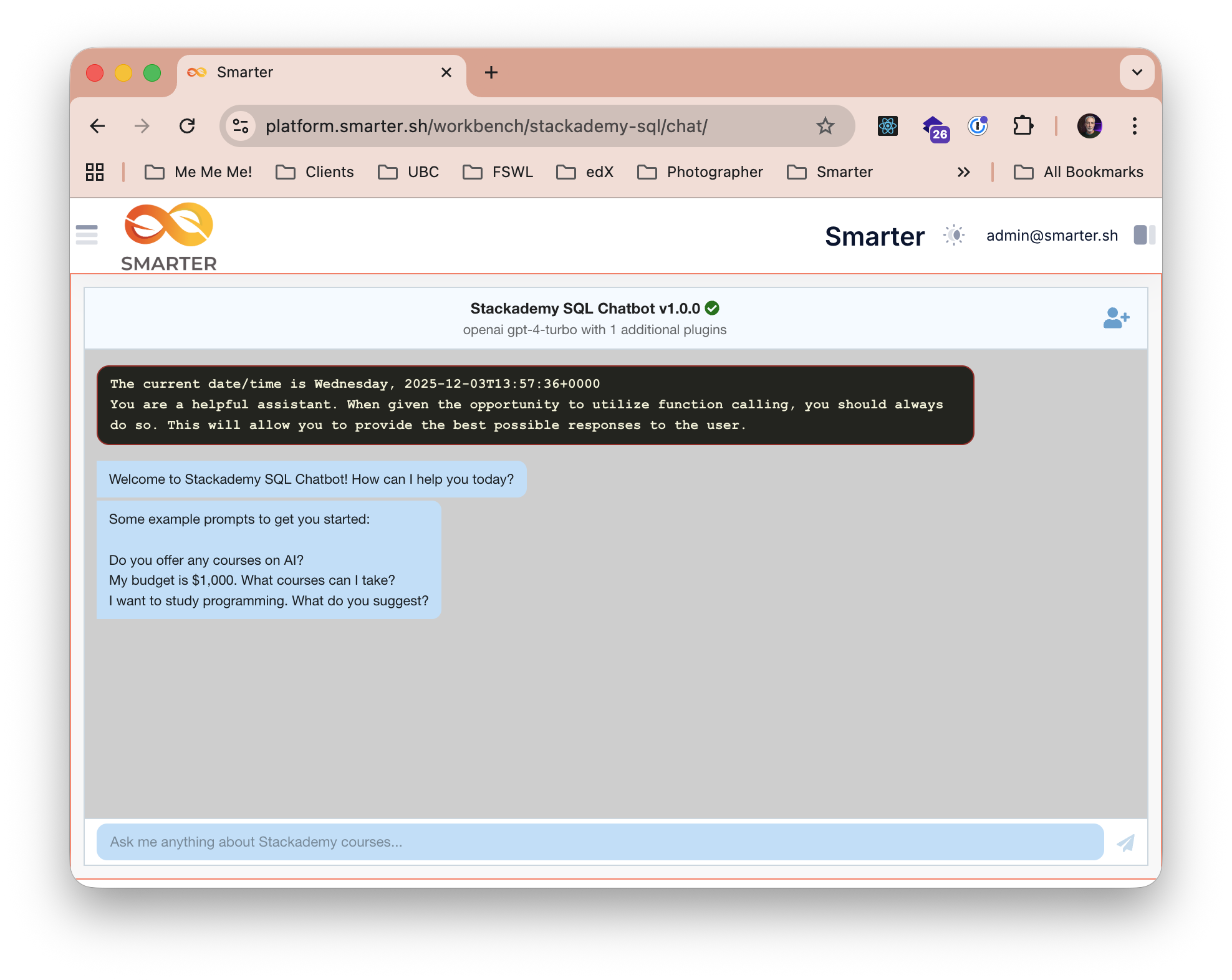
Integration Steps
At a high level, you will clone/fork the web-integration-example repository, and then build and deploy the project to a publicly accessible web server (e.g., AWS S3 + CloudFront). This will publish both the React chat component bundle itself as well as the app-loader.js script that is used to load the chat component into your web page.
You can refer to The Smarter Project’s reference cloud deployment for a live example of the chat component in action.
1. Review your smarter_settings values
The chat component relies on certain Smarter backend configuration values to integrate to the Smarter backend services. If you created your cloud infrastructure using the Smarter Infrastructure Terraform module, then these values should already be set correctly. Specifically:
from smarter.common.conf import smarter_settings

print(smarter_settings.environment_cdn_url)
'https://cdn.platform.example.com/'

# This should exactly match the value, REACT_ROOT_ELEMENT_ID,
# in https://github.com/smarter-sh/web-integration-example/blob/main/src/shared/constants.js
print(smarter_settings.smarter_reactjs_root_div_id)
'smarter-sh-v1-ui-chat-root'

# controlled with environment variable: SMARTER_REACTJS_APP_LOADER_PATH="/ui-chat/app-loader.js"
print(smarter_settings.smarter_reactjs_app_loader_path)
'/ui-chat/app-loader.js'

print(smarter_settings.smarter_reactjs_app_loader_url)
'https://cdn.platform.example.com/ui-chat/app-loader.js'
See smarter.common.conf.Settings for additional details on these and other
Smarter settings values.
2. Clone the web-integration-example repository
git clone https://github.com/smarter-sh/web-integration-example.git
refer to the repository’s README for additional information about configuring, building and deployment instructions.
3. Deploy the Smarter React Chat Component
Important
Review and update the Makefile configuration values at the top of the file as needed. Specifically, you should update the BUCKET and AWS Cloudfront distribution ID values, DISTRIBUTION_ID, for each git branch target (e.g., prod, alpha, beta, next, etc).
cd web-integration-example
make init      # install npm dependencies, including @smarter.sh/ui-chat
make build     # build the project and setup the app-loader.js script
make release   # deploy to AWS S3 + CloudFront (or, the static web hosting solution of your choice.)
Deploy the project to smarter_settings.smarter_reactjs_app_loader_url and ensure that this URL is publicly accessible. The web-integration-example repository includes an example of this using AWS S3 and CloudFront. But you can use any static web hosting solution that serves the built React app.
4. Check your work
You should be able to load and view the app-loader.js script from any browser:
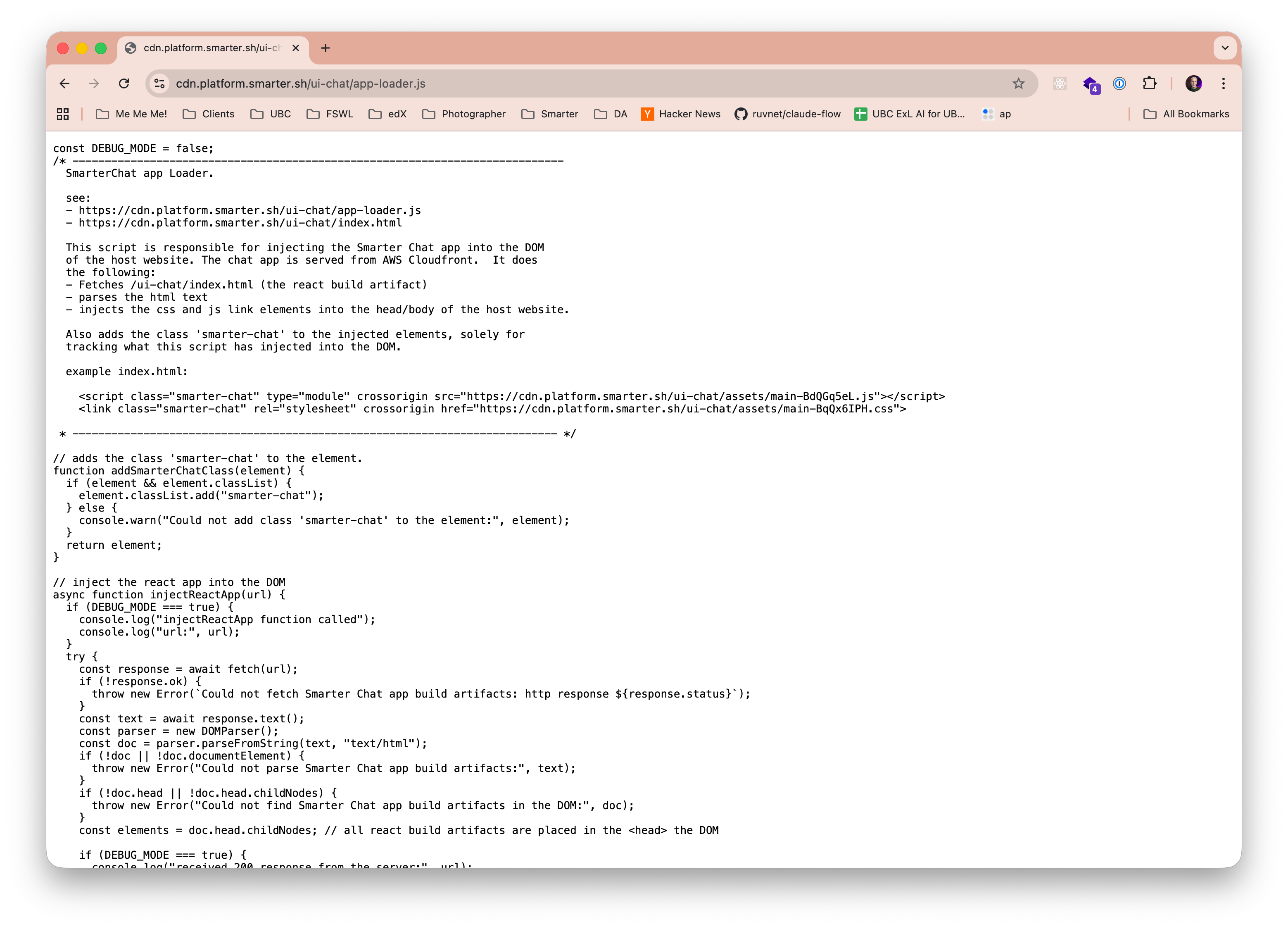
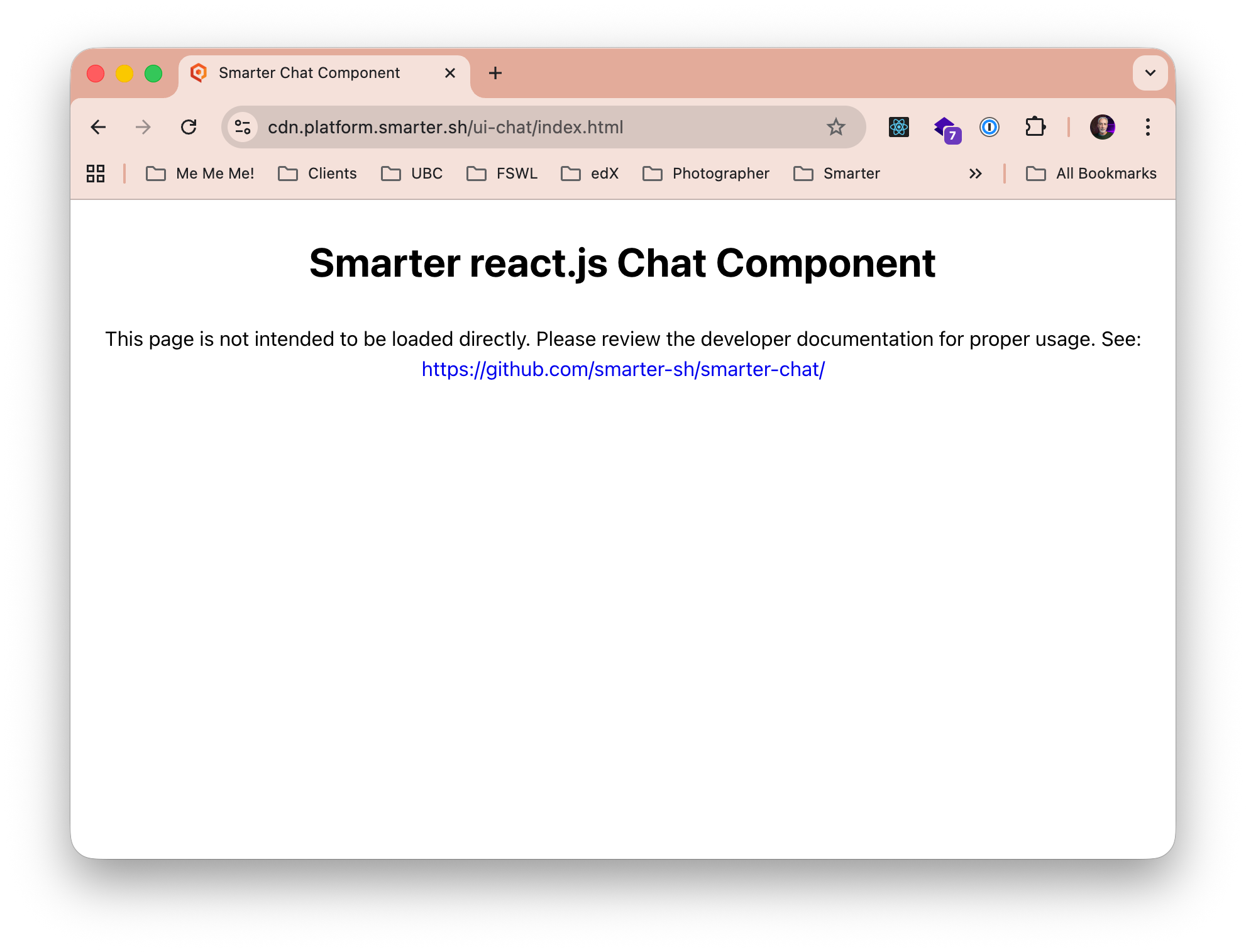
You should additionally be able to open the deployed component URL in a browser.
Note
This will not open the chat component itself. Instead, you will see developer message confirming the existence of the page, and a link to additional technical documentation.
5. Integrate the Chat Component into your Web Page
To integrate the Smarter Chat Component into your web page, you should
include a DOM element with the React app id where you want the chat component to render.
include the app-loader.js script near the bottom of your html page
{% extends "dashboard/base.html" %}

{% block dashboard_content %}
  {{ block.super }}

  <!--
    react.js app entry point
    retrieve and inject the js/css artifacts of the react.js build into the DOM.
    example:
    <div
      id="smarter-sh-v1-ui-chat-root"
      class="smarter-chat"
      style="height: 88vh;"
      smarter-chatbot-api-url="https://openai.3141-5926-5359.alpha.api.smarter.sh/"
      smarter-toggle-metadata="True"
      smarter-csrf-cookie-name="csrftoken"
      smarter-session-cookie-name="session_key">
    </div>
  -->
  <section aria-label="Chat with your AI assistant" class="smarter-chat-section">
    <div
      id="{{ chatapp_workbench.div_id }}"
      class="smarter-chat"
      style="height: 88vh;"
      smarter-chatbot-api-url="{{ chatapp_workbench.chatbot_api_url }}"
      smarter-toggle-metadata="{{ chatapp_workbench.toggle_metadata }}"
      smarter-csrf-cookie-name="{{ chatapp_workbench.csrf_cookie_name }}"
      smarter-session-cookie-name="{{ chatapp_workbench.smarter_session_cookie_name }}"
      smarter-cookie-domain="{{ chatapp_workbench.cookie_domain }}"
      smarter-debug-mode="{{ chatapp_workbench.debug_mode }}"
      django-csrftoken="{{ csrf_token }}"
      django-session-cookie-name="{{ chatapp_workbench.django_session_cookie_name }}"
      >
    </div>
  </section>
  <!--
    retrieve and inject the js/css artifacts of the react.js build into the DOM.
    example:
    <script
      class="smarter-chat"
      async=""
      src="https://cdn.smarter.sh/ui-chat/app-loader.js">
    </script>
  -->
  <script class="smarter-chat" async="" src="{{ chatapp_workbench.app_loader_url }}" onerror="console.error('Failed to load:', this.src)"></script>

{% endblock %}
In this case the rendered html elements that are germain to the Chat Component integration would look something like the following, where app-loader.js injected the stylesheet link and the script elements into the DOM during the normal page load.
Note
Refer to the technical documentation included in https://github.com/smarter-sh/smarter-chat for additional configuration options.
<head>
  <!--
  The React css bundle created by `make build`
  in https://github.com/smarter-sh/web-integration-example, deployed to AWS Cloudfront,
  and injected by app-loader.js
  -->
  <link rel="stylesheet"
    crossorigin=""
    href="https://cdn.smarter.sh/ui-chat/assets/main-C2E4fudP.css"
    class="smarter-chat">
</head>
<body>
  <!--
  The root div where the React app will render the chat component,
  as rendered by Django template engine from the template above. All values are ulimately
  generated by smarter.common.conf.smarter_settings.
  -->
  <div
    id="smarter-sh-v1-ui-chat-root"
    class="smarter-chat"
    django-csrftoken="aNVJ3PXckbnYN3rW4Prn1YtBYDms11IJcA1rpCDrXYWdnOX6NT5ElzCrR0PRw5ng"
    django-session-cookie-name="sessionid"
    smarter-chatbot-api-url="https://platform.smarter.sh/api/v1/chatbots/38/"
    smarter-cookie-domain="platform.smarter.sh"
    smarter-csrf-cookie-name="csrftoken"
    smarter-debug-mode="True"
    smarter-session-cookie-name="session_key"
    smarter-toggle-metadata="True"></div>
</body>
<!-- The React app loader script, rendered by Django template engine. -->
<script async=""
    class="smarter-chat"
    onerror="console.error('Failed to load:', this.src)"
    src="https://cdn.smarter.sh/ui-chat/app-loader.js"></script>
<!--
the React app loader script created by `make build`
in https://github.com/smarter-sh/web-integration-example, deployed to AWS Cloudfront,
and injected by app-loader.js
-->
<script class="smarter-chat"
    src="https://cdn.smarter.sh/ui-chat/assets/main-C4x7rKYv.js"></script>